
Overview
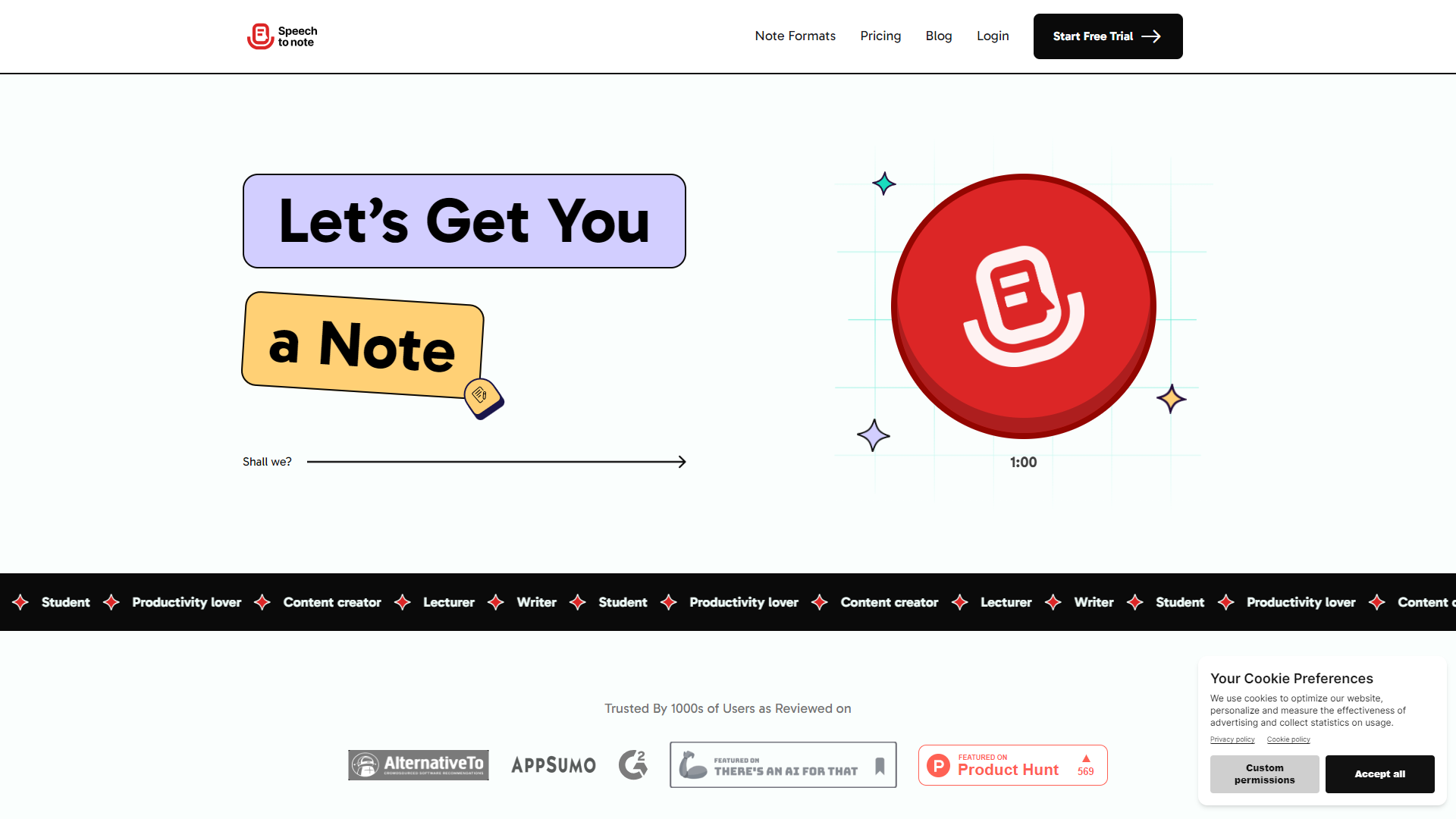
Speech to Note is a powerful tool that helps users convert speech into text quickly and accurately. It is designed to make note-taking easier for everyone, from students to professionals. With its user-friendly interface and advanced speech recognition technology, users can effortlessly capture their thoughts and ideas without the need for typing.
The application is perfect for those who find it challenging to write down notes or want to save time during lectures or meetings. It can support various languages and accents, making it accessible to a wide range of users. Additionally, the app allows for easy editing and sharing of notes, enhancing its usability.
Whether you're a busy professional juggling multiple tasks or a student trying to keep up with your classes, Speech to Note provides a reliable solution to help you stay organized. Say goodbye to missed notes and experience seamless note-taking in real time.
Pros
- Saves Time
- Increases Productivity
- Accessibility
- Real-Time Notes
- Versatile Use
Cons
- May Misinterpret Words
- Requires Clear Speech
- Limited Free Features
- Dependency on Technology
- Learning Curve
Clone Speech to Note with AI
Create your own version of Speech to Note — no coding needed. AI builds it for you in minutes.
Key features
High Accuracy
The app uses advanced algorithms to ensure your speech is converted to text accurately.
Multi-Language Support
Supports several languages and accents, accommodating users from around the world.
Easy Editing
Allows for quick editing of the transcribed notes to correct any mistakes easily.
Sharing Options
Enable users to share their notes via email, messaging apps, or cloud services.
Customizable Settings
Users can adjust settings such as font size and background color for a personalized experience.
Voice Commands
Utilize voice commands to control the app, making it hands-free.
Offline Functionality
Works offline, allowing you to take notes anywhere, anytime without needing internet access.
User-Friendly Interface
Simplistic design makes it easy for anyone to navigate and use the app effectively.
Rating Distribution
Screenshots
User Reviews
View all reviews on G2Scaling From Within, Seamlessly with Speech to note!
What do you like best about Speech to Note?
How well it captures my insights, tone of voice and both sumarises and expands it to detailed breakdowns. It has an ease of implementation while being easy to use. I find myself using it very often and the team is great at support from discovering it's fea...
Company Information
Alternative Voice Recognition tools
Explore other voice recognition tools similar to Speech to Note





FAQ
Here are some frequently asked questions about Speech to Note.
What is Speech to Note?
Speech to Note is an application that converts spoken words into written notes.
How does Speech to Note work?
The app uses speech recognition technology to analyze your spoken words and transcribe them into text.
Is it easy to use?
Yes, it has a user-friendly interface and is easy to navigate even for beginners.
Can I use it offline?
Yes, Speech to Note works offline, allowing you to take notes without an internet connection.
What languages does it support?
The app supports multiple languages and accents, making it versatile for users worldwide.
Are there any editing options?
Yes, you can edit your transcribed notes easily to correct any mistakes right in the app.
Is there a cost to use it?
There is both a free version and a premium version with additional features available for purchase.
Can I share my notes with others?
Absolutely! You can share your notes via email, messaging apps, or cloud services.