

Overview
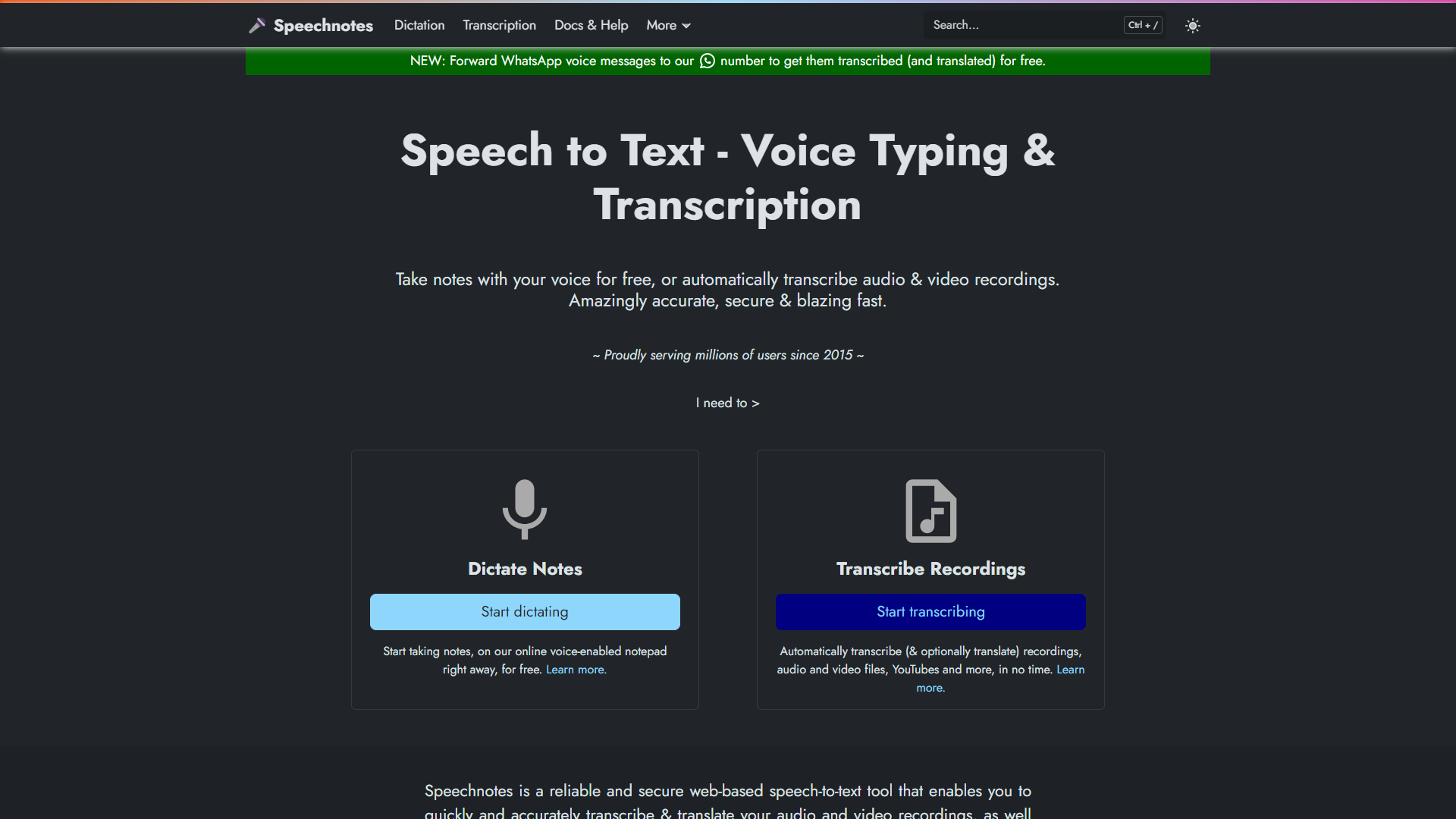
Speech Notes is a powerful tool designed for anyone who needs to capture thoughts without typing. Whether you're a busy professional, a student, or someone who just loves to jot down ideas, this app lets you record your voice and transforms it into text effortlessly. Its user-friendly interface ensures that anyone can navigate through its features, making note-taking a breeze.
This app allows you to dictate notes that are immediately converted to text. With the added ability to organize and share your notes, you can ensure that your thoughts are never lost. The accuracy of the speech-to-text feature is impressive, helping you focus on your ideas instead of worrying about typing.
Security is also a priority, as Speech Notes offers options to keep your data safe. Whether you want to store notes locally or in the cloud, you can choose the best method for your needs. Overall, Speech Notes is not just an app; it's a companion for anyone looking to enhance their productivity.
Pros
- Easy to Use
- Time-Saving
- Highly Accurate
- Organized Notes
- Flexible Sharing
Cons
- Internet Required
- Battery Drain
- Limited Editing
- Privacy Concerns
- Speech Recognition Issues
Clone Speech Notes with AI
Create your own version of Speech Notes — no coding needed. AI builds it for you in minutes.
Key features
Voice Recognition
Convert your spoken words into text with high accuracy.
User-Friendly Interface
Simple design makes it easy to navigate for everyone.
Note Organization
Easily categorize and organize your notes for quick access.
Cloud Storage
Save your notes securely online or keep them on your device.
Sharing Options
Share your notes through email or social media directly from the app.
Customizable Settings
Adjust speech recognition settings to suit your needs.
Search Functionality
Quickly find notes by searching keywords.
Multi-Language Support
Use the app in various languages for wider accessibility.
Rating Distribution
User Reviews
View all reviews on G2perfect to go over long meetings
What do you like best about Speech Notes?
It makes my life easier when I take notes of all that's said during a meeting so that I can take the important topics from it.
I also like the dictation option and you can save your notes on different apps on your phone and laptop
What do you dislike about...
Must user tool for speech recognition in to text
What do you like best about Speech Notes?
It auto shows the suggestions when your spelling is wrong.it seamlessly convert audio into text.there is one button copy to clip board which copy whole text in text editor.
What do you dislike about Speech Notes?
Somewhat user interface is not attractive
R...
One of the best tool to look into when you want free transcription FOR FREE!
What do you like best about Speech Notes?
This tool has helped me in transcribing my audios into text quicker and for FREE!!!
What do you dislike about Speech Notes?
well, I somehow don't like the choice of font in this site, as well as the placement of the functions, but that does not stopped me f...
Very Useful and Much better than Google Docs Speech Tool
What do you like best about Speech Notes?
1. Punctuations: Of all software I have used, this one has the best recognition of Punctuations. They definitely beat Google Speech on that part. For example, their commas and colons work perfectly.
2. Type and Speak combo: You can actually edit before the s...
Company Information
Alternative Voice Recognition tools
Explore other voice recognition tools similar to Speech Notes






FAQ
Here are some frequently asked questions about Speech Notes.
How does Speech Notes work?
You speak into the app, and it converts your voice to text instantly.
Is it free to use?
There is a free version, but some features require a purchase.
Can I use Speech Notes offline?
Yes, but some features need an internet connection for best performance.
What devices are compatible?
It works on most smartphones and tablets, both Android and iOS.
Does it support multiple languages?
Yes, Speech Notes supports several languages for users worldwide.
How can I share my notes?
You can share notes via email or social media directly from the app.
Are my notes stored securely?
Yes, you can choose to save notes locally or in the cloud.
Can I edit my notes later?
Yes, you can revise your notes, though editing options may be limited.