

Overview
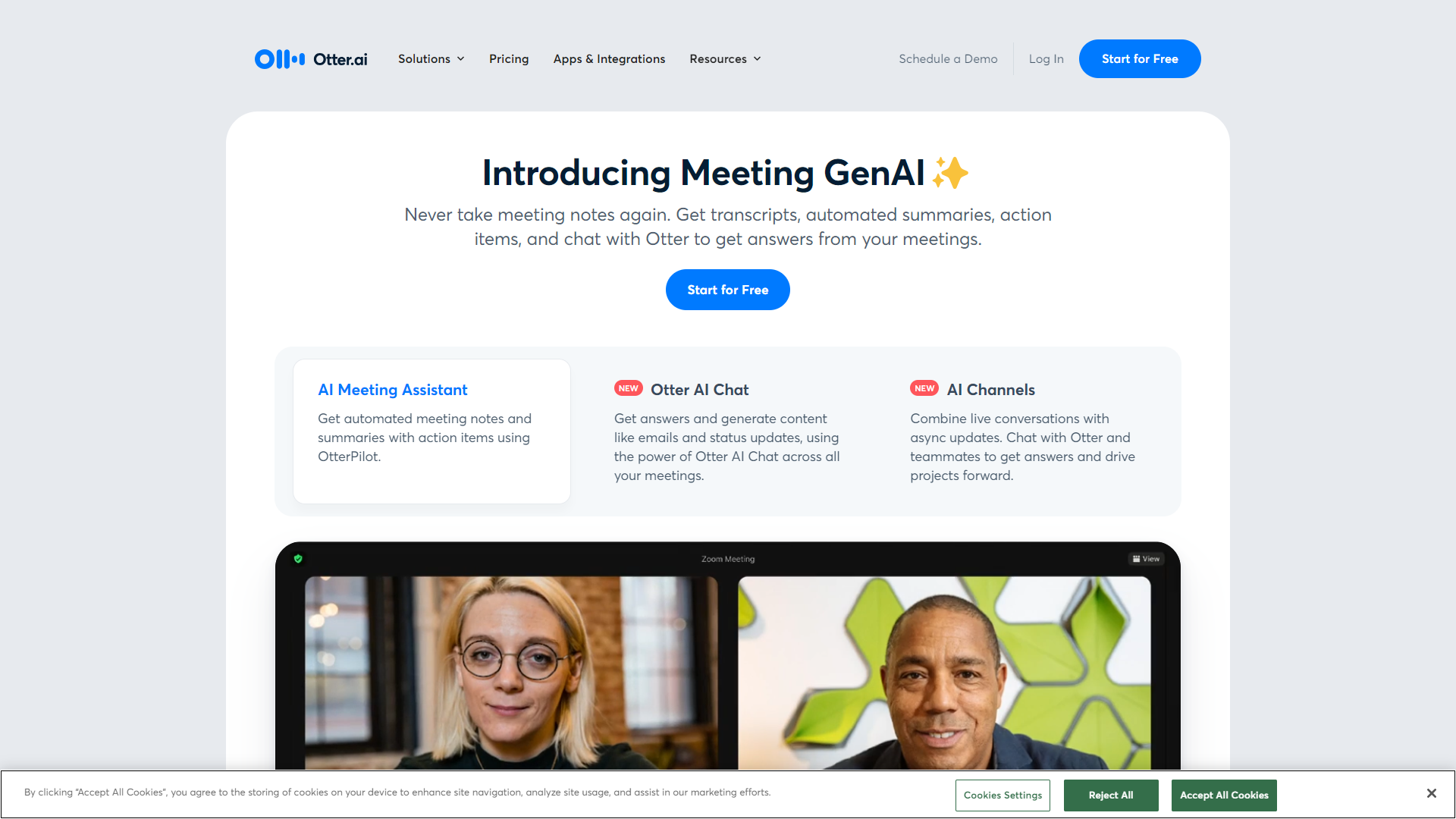
Otter.ai is a smart transcription service that turns spoken words into text. It uses advanced technology to listen and understand discussions in real-time. This makes it easier for users to capture important information without manual note-taking.
Pros
- Accurate Transcriptions
- Time-Saving
- User-Friendly Interface
- Supports Multiple Languages
- Affordable Pricing
Cons
- Dependent on Internet
- Limited Free Tier
- Accuracy Issues in Noisy Environments
- Learning Curve
- Occasional Errors
Clone Otter AI with AI
Create your own version of Otter AI — no coding needed. AI builds it for you in minutes.
Key features
Real-time Transcription
Otter.ai transcribes conversations as they happen, allowing you to follow along instantly.
Speaker Identification
The app can recognize different speakers, helping you keep track of who said what during a discussion.
Search Functionality
You can easily search through transcripts to find specific topics or terms, saving time when revisiting notes.
Custom Vocabulary
Users can add their unique terms or jargon, making transcripts more accurate and relevant.
Export Options
You can export your transcripts in various formats like PDF or TXT for easy sharing or archiving.
Collaboration Tools
Team members can share and edit transcripts, enhancing teamwork and communication.
Mobile and Web Access
Otter.ai is available on both mobile devices and web browsers, providing flexibility in usage.
Integration
The tool can sync with popular platforms like Zoom, enhancing its usability for virtual meetings.
Rating Distribution
Pricing
| Plan | Price | Description |
|---|---|---|
| Otter Pro | $110.04 (1 User Per Year) | Better collaboration for small teams |
| Otter Business | $240.00 (1 User Per Year) | Boost Meeting Productivity and Collaboration with AI Meeting Notes |
| Otter for Enterprise | Contact Us | Designed for large enterprises - offers advanced security, control, and support for teams and organizations. |
| OtterPilot for Sales | Contact Us | Designed for Sales Teams to automatically record calls, take notes, extract Sales Insights, write follow-up emails, and synch call notes to Salesforce or Hubspot. |
| Otter Basic | Free (1 User) | The easiest way to try Otter |
| Otter for Education | Contact Us (Per Year) | Designed to provide higher ed students with real-time captions and note taking for in-person and virtual lectures and campus events |
Screenshots
User Reviews
View all reviews on G2Otter Premium Version Review
What do you like best about Otter.ai?
Otter.ai is a great AI tool to transcribe audios and videos. Premium version is great, as it allows you to upload more audio minutes. Best part is the time stamping and accuacy of it. I have been using the premium version for a long time now and recent upgrade ...
Impeccable Note taking App
What do you like best about Otter.ai?
First I used to take hand written notes or use to listen the recordings of the meetings for creating MOM, but not anymore. Recently I came across Otter.ai through one of my colleague and since then my workload reagrding MOM and all has become very easy.It takes ...
A lifesaver for notes and follow ups during meetings
What do you like best about Otter.ai?
My favorite thing about Otter is that I can pay full attention to those I'm connecting with on a call, without having to continuously take notes. Conversations can become more free-flowing, I can ask more questions and find out a lot more information, because I ...
Best tool to level up your sales strategy
What do you like best about Otter.ai?
- Summarize calls with key insights, action items & responsibilities
- Record meetings so you can easily share post-call notes, distribute them with other team members & ensure alignment
- If you can't attend a call, you can send your Otter who will provide you ...
Easiest transcription tool to use, and the AI features get better every day
What do you like best about Otter.ai?
- super easy zoom and google cal integration
- automatically joins and transcribes
- live transcription view is awesome
- auto captures images when screens are shared / changed in the call - so transcripts have context
- AI takeaways feature is excellent
- setti...
Company Information
Alternative Voice Recognition tools
Explore other voice recognition tools similar to Otter AI



FAQ
Here are some frequently asked questions about Otter AI.
What is Otter.ai?
Otter.ai is a transcription tool that converts spoken words into written text during meetings or conversations.
Can I use Otter.ai on my mobile device?
Yes, Otter.ai is available on both Android and iOS devices.
How accurate are the transcriptions?
Otter.ai provides high accuracy but may struggle in noisy environments or with complex terms.
Is there a free version of Otter.ai?
Yes, there is a free tier but with limited transcription minutes each month.
How does speaker identification work?
Otter.ai can learn the voices of different speakers and label their dialogue in the transcript.
Can I edit the transcript after it is created?
Yes, you can make edits to the transcripts to correct any errors or add notes.
Does Otter.ai support multiple languages?
Yes, it supports several languages, though its primary focus is on English.
Can I integrate Otter.ai with other apps?
Yes, Otter.ai integrates with various platforms like Zoom for seamless meeting notes.