

Overview
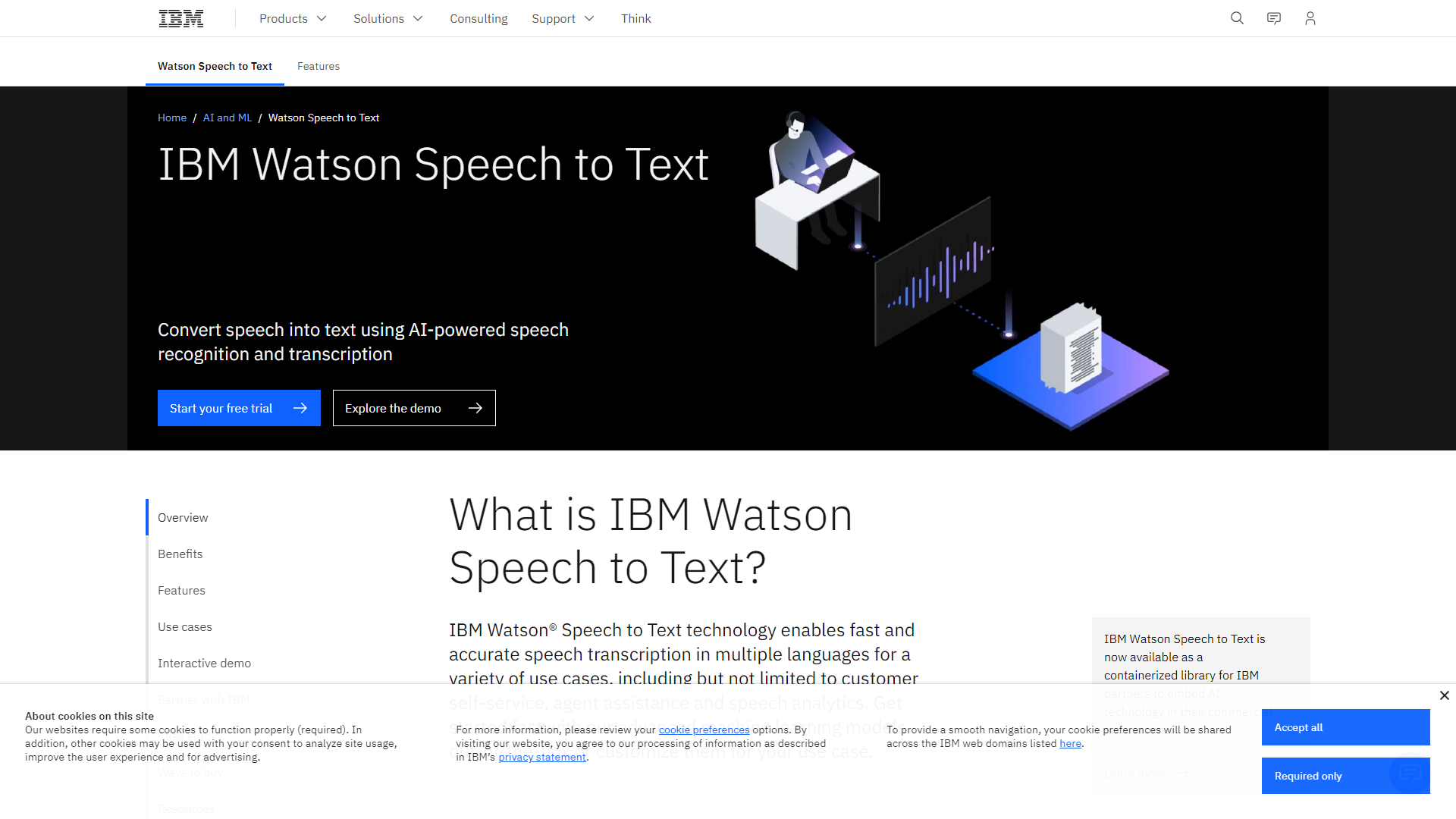
IBM Watson Speech to Text is a powerful tool that converts audio into text. It uses advanced AI technology to make transcription quick and easy. Businesses and individuals can benefit from this service by turning voice recordings, meetings, and conversations into editable text documents effortlessly.
This technology helps improve productivity by allowing users to capture spoken words accurately and efficiently. Users can transcribe audio in real time or process recorded files. IBM Watson Speech to Text supports multiple languages, making it a great choice for diverse teams.
With its user-friendly interface and robust features, this service is perfect for anyone looking to enhance their documentation processes. Whether for academics, business, or personal use, it's designed to help users manage their audio data better.
Pros
- High Accuracy
- User-Friendly
- Fast Processing
- Versatile Uses
- Excellent Support
Cons
- Subscription Cost
- Internet Dependency
- Limited Offline Functionality
- Learning Curve
- Occasional Errors
Clone IBM Watson Speech to Text with AI
Create your own version of IBM Watson Speech to Text — no coding needed. AI builds it for you in minutes.
Key features
Real-Time Transcription
Converts spoken language into text instantly, enabling live captioning and transcription of meetings or conferences.
Multi-Language Support
Offers transcription services in various languages, catering to a global audience.
Speaker Diarization
Identifies different speakers in an audio file, making it easier to follow conversations in group settings.
Custom Language Models
Users can create custom models to better recognize specific vocabulary related to their industry or field.
Acoustic Model Adaptation
Adapts to different accents or speaking styles, improving accuracy for diverse users.
Noise Cancellation
Effectively filters out background noise to focus on the primary audio source, enhancing transcription quality.
Text Formatting
Automatically adds punctuation and formatting to make transcripts more readable and professional.
Integration Capabilities
Easily integrates with other IBM services and third-party applications for seamless workflow.
Rating Distribution
Pricing
| Plan | Price | Description |
|---|---|---|
| Lite | $0 (500 minutes per month) | - |
| Plus | $0.02 USD (per minute for 1 - 999,999 minutes per month) | - |
| Plus | $0.01 USD (per minute for 1,000,000+ minutes per month) | - |
| Premium | Contact us (https://www.ibm.com/account/reg/signup?formid=MAIL-watson&disableCookie=Yes) | - |
Screenshots
User Reviews
View all reviews on G2IBM Watson Speech to Text Review
What do you like best about IBM Watson Speech to Text?
IBM Watson speech to text is very good software for build application that convert human speech to text.IBM watson not only support english language but it support many other languages like Japanese, Spanish,French and many more.Its very easy to...
Amazing Tool to machine interaction
What do you like best about IBM Watson Speech to Text?
This is one of the better speech to text programs out there, good word recognition. It has nice features like real time mode, custom models, keywords spotting.
What do you dislike about IBM Watson Speech to Text?
It just supports 11 languages, ...
Future of Technology is visible now!!
What do you like best about IBM Watson Speech to Text?
The precise interpretation of the sentence and it's context.
What do you dislike about IBM Watson Speech to Text?
We would need to integrate AI and perform complex tasks given via voice.
What problems is IBM Watson Speech to Text solving and h...
Works well for Short quotes and sentences
What do you like best about IBM Watson Speech to Text?
It has nice features like real time mode, custom models, keywords spotting.
What do you dislike about IBM Watson Speech to Text?
It just supports 11 languages (atleast when we used it).
Recommendations to others considering IBM Watson Speech t...
Wonderful tool with alot of learning opportunities
What do you like best about IBM Watson Speech to Text?
It has a lot of learning things included like mobile push, automation and the UI is good compared to the older version
What do you dislike about IBM Watson Speech to Text?
The screen size is fixed, it would be great if we have resizing option a...
Company Information
Alternative Voice Recognition tools
Explore other voice recognition tools similar to IBM Watson Speech to Text





FAQ
Here are some frequently asked questions about IBM Watson Speech to Text.
What is IBM Watson Speech to Text?
It's a service that converts spoken language into written text using AI technology.
Can it transcribe in multiple languages?
Yes, it supports several languages for transcription.
How accurate is the transcription?
The service is highly accurate, thanks to advanced machine learning algorithms.
Do I need an internet connection to use it?
Yes, a stable internet connection is required for optimal performance.
Can I use it for live events?
Absolutely! It provides real-time transcription suitable for live events and meetings.
How does speaker diarization work?
It identifies and separates different speakers in an audio file for clearer transcripts.
Is it easy to integrate with other software?
Yes, it has excellent integration capabilities with various applications.
What support does IBM provide?
IBM offers strong customer support and extensive documentation for users.