

Overview
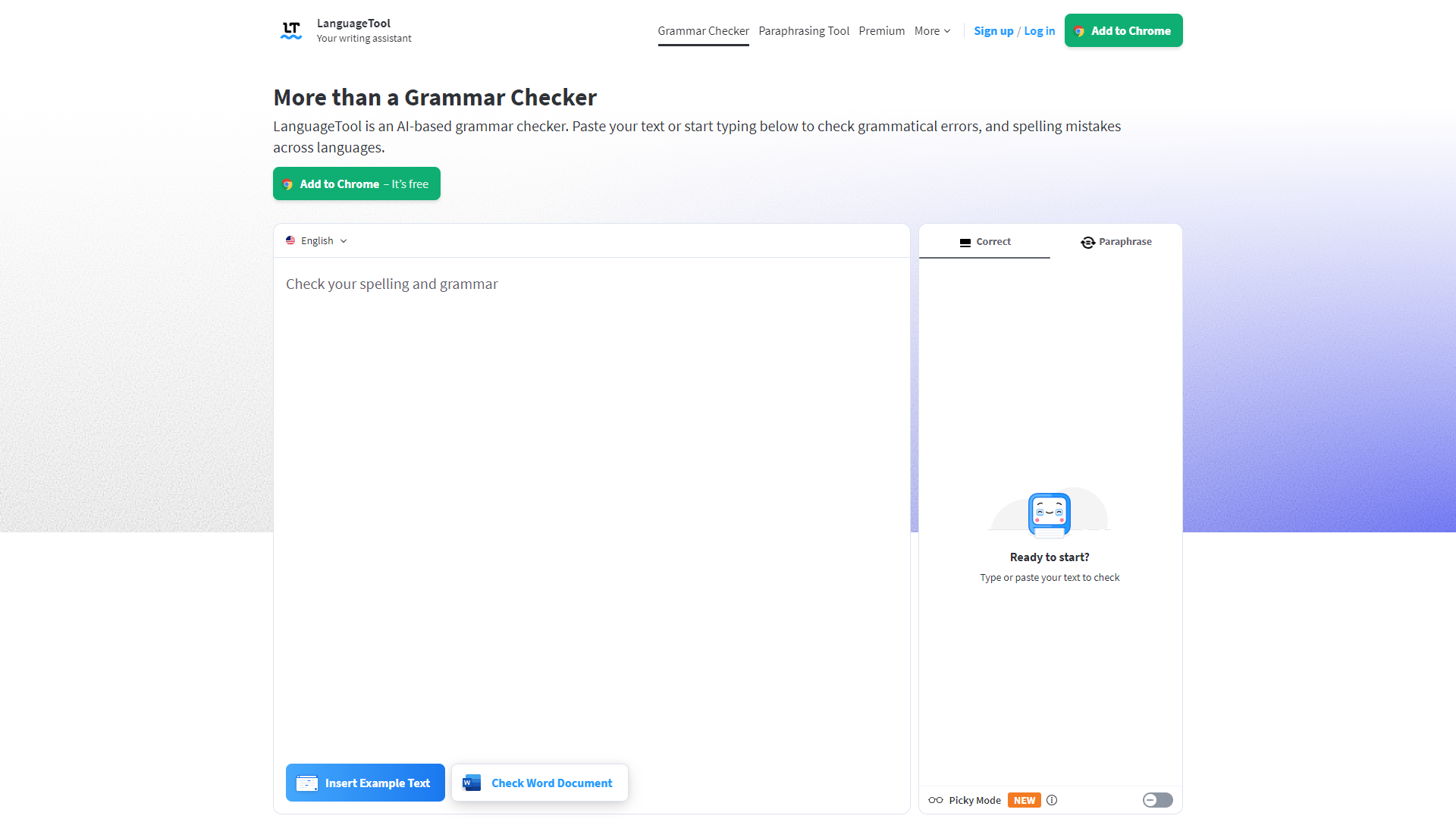
LanguageTool is an advanced writing assistant that helps users improve their writing by checking for grammatical errors, style issues, and punctuation mistakes. It's a perfect companion for students, writers, and professionals alike, making it easier to create clear and effective content. With its user-friendly interface and support for multiple languages, LanguageTool empowers everyone to write confidently and accurately.
Pros
- Easy to Use
- Supports Multiple Languages
- Real-time Suggestions
- Affordable
- Regular Updates
Cons
- Limited Free Version
- Internet Connection Required
- Occasional Errors
- Limited Formatting Options
- Learning Curve
Clone LanguageTool with AI
Create your own version of LanguageTool — no coding needed. AI builds it for you in minutes.
Key features
Multilingual Support
LanguageTool supports multiple languages, making it a great choice for non-native English speakers and international users.
Grammar Checks
It identifies grammatical errors in your text, helping you correct mistakes and enhance your writing quality.
Style Suggestions
LanguageTool provides suggestions on writing style, making your text more engaging and readable.
Punctuation Review
The tool reviews punctuation usage to ensure clarity and flow in your sentences.
Plagiarism Detection
Users can check for plagiarism, ensuring the originality of their content.
Browser Extensions
Available as a browser extension for popular browsers, making it easy to use while writing online.
Desktop Application
It offers a standalone desktop application for offline usage, which is convenient for users without internet access.
Customizable Dictionary
Users can add their own words and phrases to the dictionary, allowing for personalized checks.
Rating Distribution
User Reviews
View all reviews on G2A tool everybody should use
What do you like best about LanguageTool?
Very well integrated with chorme and edge, allow to check instantly the text you write. With different underlining colours allows you to understand what's wrong and what could be rewrite in a better way. By clicking on a word see the suggestions and apply th...
My best ally when writing texts
What do you like best about LanguageTool?
During my experience using LanguageTool, I can say that it is an excellent spelling and grammar checker. Its simple and effective design ensures no time is wasted on unnecessary tools, and its corrections are almost always accurate. Additionally, its incredi...
Great tool for proofreading
What do you like best about LanguageTool?
The best part is we can proofread many languages with the help of language tool. The intutive AI suggests to re-phrase the statment wherever required and it can be integrated with many browsers.
What do you dislike about LanguageTool?
There is nothing much ...
Best tool for grammer error and typing error.
What do you like best about LanguageTool?
I like that LanguageTool is an open source grammar and style checker. It is great for quickly checking text for errors, and I appreciate that it offers suggestions for corrections that go beyond just basic grammar rules. Additionally, I like that it is avail...
A more affordable, EXECELLENT alternative to Grammarly.
What do you like best about LanguageTool?
I love that the browser extension works every time. I love that there is a desktop app as well so I can type in there then copy and paste.
What do you dislike about LanguageTool?
I would love a desktop pop-up:} But there is nothing I don't like.
Recommenda...
Company Information
Alternative Proofreading tools
Explore other proofreading tools similar to LanguageTool






FAQ
Here are some frequently asked questions about LanguageTool.
What is LanguageTool?
LanguageTool is a writing assistant that checks grammar, punctuation, and style in your text.
How does LanguageTool work?
It analyzes your text and highlights errors, providing suggestions for corrections.
Is LanguageTool free?
Yes, LanguageTool offers a free version with limited features, along with a premium version with more options.
Can I use LanguageTool offline?
Yes, LanguageTool has a desktop app that can be used without an internet connection.
Which languages does LanguageTool support?
LanguageTool supports over 20 languages, including English, Spanish, French, and German.
How can I install LanguageTool?
You can install LanguageTool as a browser extension or download the desktop version from their website.
Does LanguageTool check for plagiarism?
Yes, LanguageTool has a plagiarism detection feature for checking content originality.
Is my data safe with LanguageTool?
LanguageTool takes user privacy seriously, ensuring that your text is not stored or shared.