

Overview
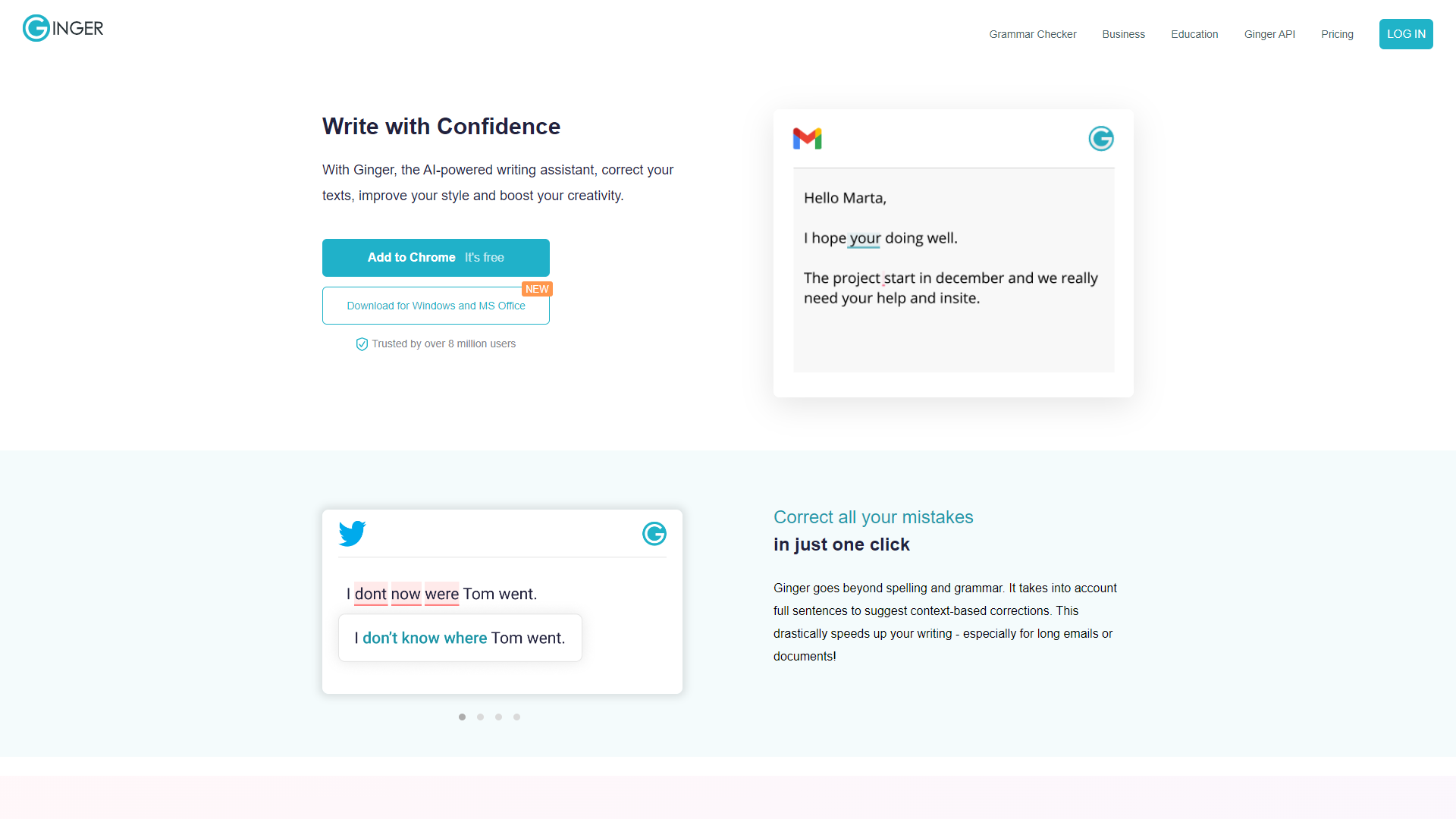
Ginger Software is a powerful tool designed to assist users in enhancing their writing. It offers grammar and spell checking, making sure your text is clear and accurate. Additionally, Ginger provides suggestions for sentence rephrasing and contextual synonyms, aiding in better expression and creativity.
Beyond grammar and spelling, Ginger integrates features like translation and a personal dictionary. This means that users can write in different languages, making it a versatile tool for bilinguals or those learning new languages. The user-friendly interface further ensures that anyone can navigate the platform with ease.
Whether you are a student, a professional, or simply someone who wants to express ideas more clearly, Ginger Software has something to offer. It seeks to make writing accessible and effective for everyone, helping users to communicate their thoughts more efficiently.
Pros
- User-friendly Interface
- Comprehensive Writing Assistance
- Multi-language Support
- Real-time Suggestions
- Progress Tracking
Cons
- Limited Free Version
- Occasional Misunderstanding
- Dependence on Internet
- Compatibility Issues
- Learning Curve
Clone Ginger Software with AI
Create your own version of Ginger Software — no coding needed. AI builds it for you in minutes.
Key features
Grammar Checker
Ginger identifies and corrects grammatical errors in real-time, ensuring your writing is polished.
Spell Checker
The software highlights spelling mistakes and provides accurate corrections to improve your text.
Sentence Rephrasing
Offers alternative ways to phrase sentences, enhancing clarity and creativity.
Translation
Ginger supports translations between various languages, allowing users to write globally.
Personal Dictionary
Users can add custom words to their dictionary, improving spell-check accuracy.
Text Reader
The text-to-speech feature allows you to listen to your text, helping with proofreading and editing.
Synonyms Finder
Provides contextual synonyms, enabling better word choices that suit your writing context.
Performance Stats
Users can track their writing improvement over time with detailed statistics.
Rating Distribution
Pricing
| Plan | Price | Description |
|---|---|---|
| Small-Business | N/A | - |
Screenshots
User Reviews
View all reviews on G2Write with confidence
What do you like best about Ginger Software?
The best part is that Ginger acts like your teacher, corrects our grammar and punctuation, and suggests rephrasing the sentences wherever necessary. We can easily integrate the software with our regular Microsoft applications like MS word. The intuitive A...
Grammar Checker and Paraphraser
What do you like best about Ginger Software?
Online proofreading, valuable tools for professional email responses with the assistance of correct punctuation. Ginger has been my go to App. I use it, for business purposes and personal use.
What do you dislike about Ginger Software?
Sometime's it will...
Ginger Software-the best place to make your sentences look professional.
What do you like best about Ginger Software?
-Simply put, it enhances your writing.
-Helps you fix grammar in one click.
-It has an option called "rephrase," which gives you a list of alternatives for your sentence.
-Another incredible feature is that by clicking on a specific word, you can replace ...
Best Writing Assistant solution by Ginger Writer
What do you like best about Ginger Software?
Ginger Writer is a very good source for making his writing the best and improving always. I have been using Ginger for the last 2 years with the Plan Ginger Writer. With my experience, I always found Ginger very helpful in making my writing skill impressi...
An easy to use grammar checker
What do you like best about Ginger Software?
The thing that I like the most about Ginger is its user interface coupled with great AI algorithms that never fail to analyze a grammatical error and on top of that, you get ginger on your phone too which makes it even more easy-going and convenient.
Wha...
Company Information
Alternative Proofreading tools
Explore other proofreading tools similar to Ginger Software






FAQ
Here are some frequently asked questions about Ginger Software.
What is Ginger Software?
Ginger Software is a writing assistant that helps users improve their writing through grammar checking and more.
Is Ginger Software free?
There is a free version with limited features, but a paid version offers more tools and capabilities.
How does the grammar checker work?
The grammar checker reviews your text in real-time, identifying errors and suggesting corrections.
Can I use Ginger Software on mobile devices?
Yes, Ginger Software has applications for both Android and iOS devices, as well as browser extensions.
Does it support multiple languages?
Yes, Ginger supports writing in several languages and offers translation features.
How can I track my writing progress?
Ginger provides performance stats, allowing users to see their improvements over time.
Is there a support team I can contact?
Yes, Ginger offers customer support for any issues or questions users might have.
Can I add my own words to the dictionary?
Absolutely, users can add custom words to their personal dictionary for better spell-check accuracy.