

Overview
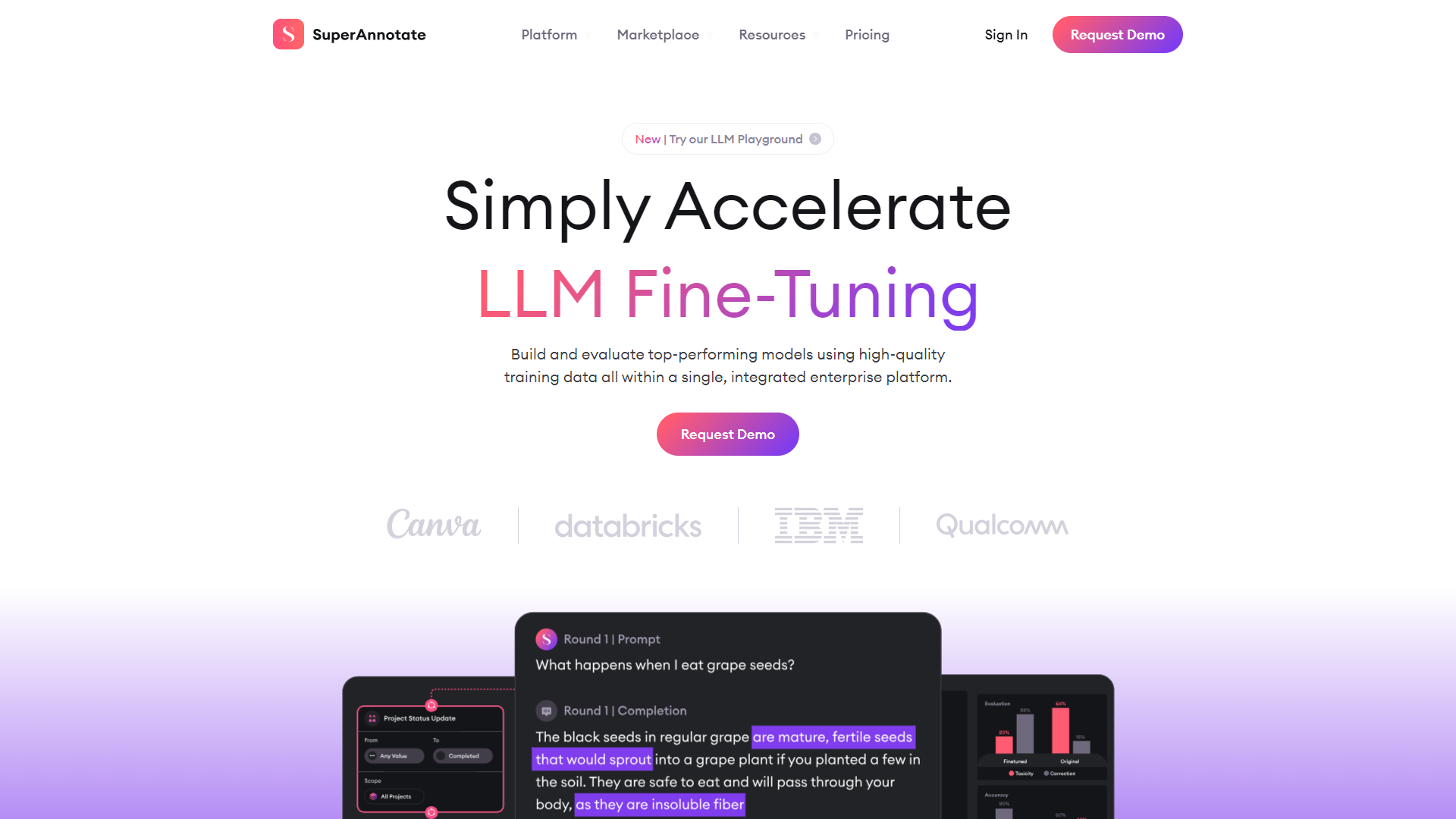
SuperAnnotate is a powerful tool designed to help users label images quickly and efficiently for artificial intelligence projects. With an easy-to-use interface, it allows teams to create high-quality annotations that are essential for machine learning models. The platform caters to a wide range of industries, making it a versatile choice for many organizations.
One of the standout features of SuperAnnotate is its collaborative nature. Multiple users can work on projects simultaneously, making it perfect for teams that need to meet tight deadlines. Alongside this, the tool offers robust support for various types of annotations, including bounding boxes, polygon segmentation, and keypoint detection, enhancing its utility for different AI tasks.
In addition to its annotation capabilities, SuperAnnotate integrates seamlessly with AI workflows and supports file formats commonly used in the industry. This means that once the images are labeled, they can be easily exported for further processing. Overall, SuperAnnotate makes the annotation process smoother, quicker, and more effective.
Pros
- User-friendly design
- High-quality annotations
- Boosts teamwork
- Scalable solution
- Regular updates
Cons
- Cost
- Learning curve for advanced features
- Internet dependency
- Limited offline capabilities
- Occasional bugs
Clone SuperAnnotate with AI
Create your own version of SuperAnnotate — no coding needed. AI builds it for you in minutes.
Key features
Easy-to-use interface
The platform is designed for users of all skill levels, making it simple to get started with image annotation.
Collaborative annotation
Multiple team members can work on projects at the same time, improving productivity.
Support for various annotation types
Users can create bounding boxes, polygons, and keypoints, catering to a variety of AI needs.
Integration with AI workflows
SuperAnnotate easily connects with other tools in the AI development process.
Version control
Maintain a history of changes made to projects, allowing for easy tracking and management.
Customizable workspace
Users can tailor the UI to fit their preferences, making the experience more enjoyable.
Robust exporting options
Export annotations in various formats suitable for different machine learning frameworks.
Extensive tutorials and support
Comprehensive resources are available to help users get the most out of the platform.
Rating Distribution
Pricing
| Plan | Price | Description |
|---|---|---|
| Free Startup Plan | Free | Start using SuperAnnotate for free if you qualify for our early-stage startup program. |
| Pro | Contact Us | Your go-to package for building annotated datasets at scale to meet your most sophisticated project needs. |
| Enterprise | Contact Us | Customizable package best suited for well-established, recurring high-volume projects with a clear-cut strategy. |
Screenshots
User Reviews
View all reviews on G2Outstanding Affordance for Annotation Excellence
What do you like best about SuperAnnotate?
its exceptional affordance for intuitive and efficient workflow design
Comprehensive Support
Rich documents
I love this.
What do you dislike about SuperAnnotate?
This might be a matter of personal preference, but using a two-finger slide instead of a pinch...
Easy-to-use labeling software
What do you like best about SuperAnnotate?
I have used SuperAnnotate for half a year now (after testing a couple of other platforms) for annotation of images.
Compared to the other platforms I have tried, SuperAnnotate has an intuitive interface. It was straightforward to get familiar with the diff...
A very extensive set of image annotation tools
What do you like best about SuperAnnotate?
I was looking for a tool to annotate biological images. After trying many tools, I found two of the best platforms for myself. One of them is Superannotate. These platforms had the widest set of annotation tools, including exactly the ones I needed. The too...
SuperAnnotate - The Annotation Tool To Ease Data and Workforce Management
What do you like best about SuperAnnotate?
We are a data labeling workforce provider and have a team of 100+ annotators across projects. We started working on SuperAnnotate about a year ago, and since then have been increasing the number of projects we do on the platform, due to its ease of use, rel...
A Powerful Solution for Large-Scale Annotation Projects
What do you like best about SuperAnnotate?
SuperAnnotate offers well-structured documentation, making it easy to navigate and utilize the platform effectively. It's particularly suitable for larger-scale projects where annotation is a key task, thanks to its robust tools and features that streamline...
Company Information
Alternative Image Recognition tools
Explore other image recognition tools similar to SuperAnnotate



-logo.png)


FAQ
Here are some frequently asked questions about SuperAnnotate.
What is SuperAnnotate?
SuperAnnotate is a tool designed for labeling images and creating high-quality datasets for AI and machine learning projects.
Is SuperAnnotate easy to use?
Yes, SuperAnnotate is designed with a user-friendly interface, making it accessible for both beginners and experienced users.
Can multiple users work on the same project?
Absolutely! SuperAnnotate allows for collaborative annotation, so team members can work together in real-time.
What types of annotations can I create?
You can create bounding boxes, polygons, and keypoints, which are all essential for various AI applications.
Does SuperAnnotate support integrations?
Yes, SuperAnnotate integrates well with many other tools and workflows used in AI development.
Are there export options for my data?
Yes, you can export your annotations in multiple formats suitable for various machine learning frameworks.
What resources are available for learning SuperAnnotate?
SuperAnnotate offers extensive tutorials and documentation to help you get started and make the most of its features.
Is there a mobile app for SuperAnnotate?
Currently, SuperAnnotate primarily functions as a web application, with no dedicated mobile app available.
How does SuperAnnotate handle version control?
SuperAnnotate tracks changes made to projects, allowing users to see the history and restore previous versions if needed.