

Overview
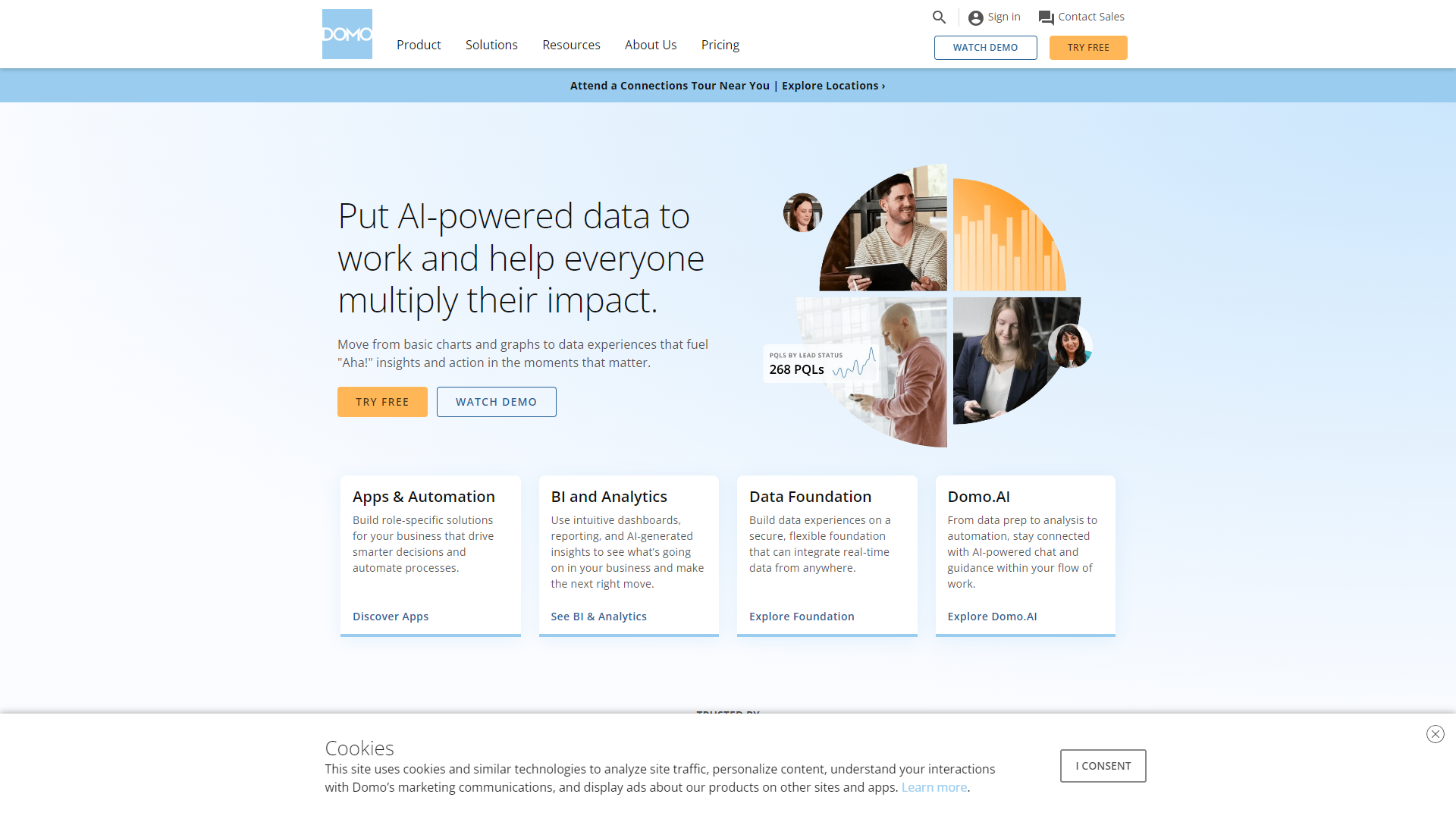
Domo is a powerful business intelligence tool that allows organizations to connect their data from various sources. With its user-friendly interface, Domo makes it easy for anyone in the organization to analyze data without needing extensive technical skills. This platform supports data-driven decision-making by providing real-time insights into business performance.
The platform helps businesses streamline their operations by gathering and visualizing data from multiple channels. Users can create dashboards, reports, and visualizations that help identify trends, patterns, and opportunities. Domo works well for teams of all sizes and offers flexibility for businesses in different industries.
By leveraging Domo's capabilities, companies can improve collaboration within teams and enhance overall productivity. The focus on data-driven insights empowers organizations to make timely decisions that can lead to better growth and success.
Pros
- Easy to Use
- Strong Data Visualization
- Integrates with Many Sources
- Real-Time Insights
- Good Customer Support
Cons
- Cost
- Complex Setup
- Learning Curve
- Performance Issues
- Limited Offline Access
Clone Domo with AI
Create your own version of Domo — no coding needed. AI builds it for you in minutes.
Key features
Data Integration
Domo easily connects with various data sources like Excel, databases, and cloud services, helping consolidate information into one platform.
Custom Dashboards
Users can design personalized dashboards to visualize important metrics and KPIs, making it straightforward to track performance.
Automated Reporting
Domo can automatically generate reports on key business insights, saving time for employees while ensuring accuracy.
Real-Time Data Updates
The platform provides up-to-date information, allowing users to make quick decisions based on the latest metrics.
Collaboration Tools
Domo offers features that enhance teamwork, enabling users to share insights and dashboards with colleagues efficiently.
Mobile Access
Users can access Domo from their mobile devices, making it easy to stay informed even while on the go.
Data Security
The platform prioritizes data safety with robust security measures to protect sensitive business information.
User-Friendly Interface
Domo's intuitive design allows users of all skill levels to navigate and utilize the software without frustration.
Rating Distribution
Pricing
| Plan | Price | Description |
|---|---|---|
| Free Trial | Free Trial | Try out the data experience platform. Fully featured, unlimited number of users. |
| Standard | Contact Us | Perfect for teams with lower data volumes. Fully featured, unlimited number of users. |
| Enterprise | Contact Us | Built for organizations with higher data volumes and who prefer additional dedicated support. |
Screenshots
User Reviews
View all reviews on G2Pros & Cons
What do you like best about Domo?
- Domo actually tries to apply feedback given in the community forum to updates/changes
- The Knowledge Base is a great resource for new users & training materials
- Magic ETL makes it easy to build dataflows with minimal SQL knowledge & has excellent features for d...
Differences Between Domo and Other BI Tools
What do you like best about Domo?
What I like most about Domo is how it helps teams see data easily and make quick choices. The visuals are nice, and it’s simple to use!
Beast Mode lets you create your own calculations in Domo. This is great for specific analysis that regular data can't do. You can...
Great experience using DOMO
What do you like best about Domo?
1. Affordability and Ease of Use:
As a startup company very early in the business, one of our main targets is also to keep everything within budget and minimise the cost, wherever possible. DOMO helps a great deal in that. Not only is it affordable, but also very ea...
Very impressive insight dashboard tool!
What do you like best about Domo?
I have to say, it's an impressive tool that has transformed the way we handle data and make business decisions. DOMO stands out with its user-friendly interface and intuitive design. The dashboard has customization options allowing us to tailor the visualizations to...
DOMO is fantastic for insights
What do you like best about Domo?
1. Love the ability to customize dashboards and create/view charts best suited to tell the story
2. It's cross-functional, so it's become a source of truth for all teams and stakeholders
3. Personalize dashboards for different audiences: we have high-level dashboard...
Company Information
Alternative Data Science And Machine Learning Platforms tools
Explore other data science and machine learning platforms tools similar to Domo






FAQ
Here are some frequently asked questions about Domo.
What is Domo used for?
Domo is used for data visualization, reporting, and analyzing business metrics to support decision-making.
Can Domo connect to my existing data sources?
Yes, Domo can easily integrate with numerous data sources including spreadsheets, databases, and cloud services.
Is Domo suitable for small businesses?
Yes, Domo is suitable for businesses of all sizes, though pricing may be a consideration for smaller operations.
How secure is Domo?
Domo employs strong security measures to protect your data, ensuring privacy and safety.
Can I use Domo on my mobile device?
Yes, Domo has a mobile application that allows you to access data and dashboards on the go.
Is there customer support available?
Yes, Domo provides customer support to assist with any questions or issues users may encounter.
What are the main benefits of using Domo?
Some benefits include real-time insights, user-friendly design, and the ability to visualize complex data quickly.
Does Domo provide training for new users?
Yes, Domo offers training resources and support to help new users understand the platform better.