

Overview
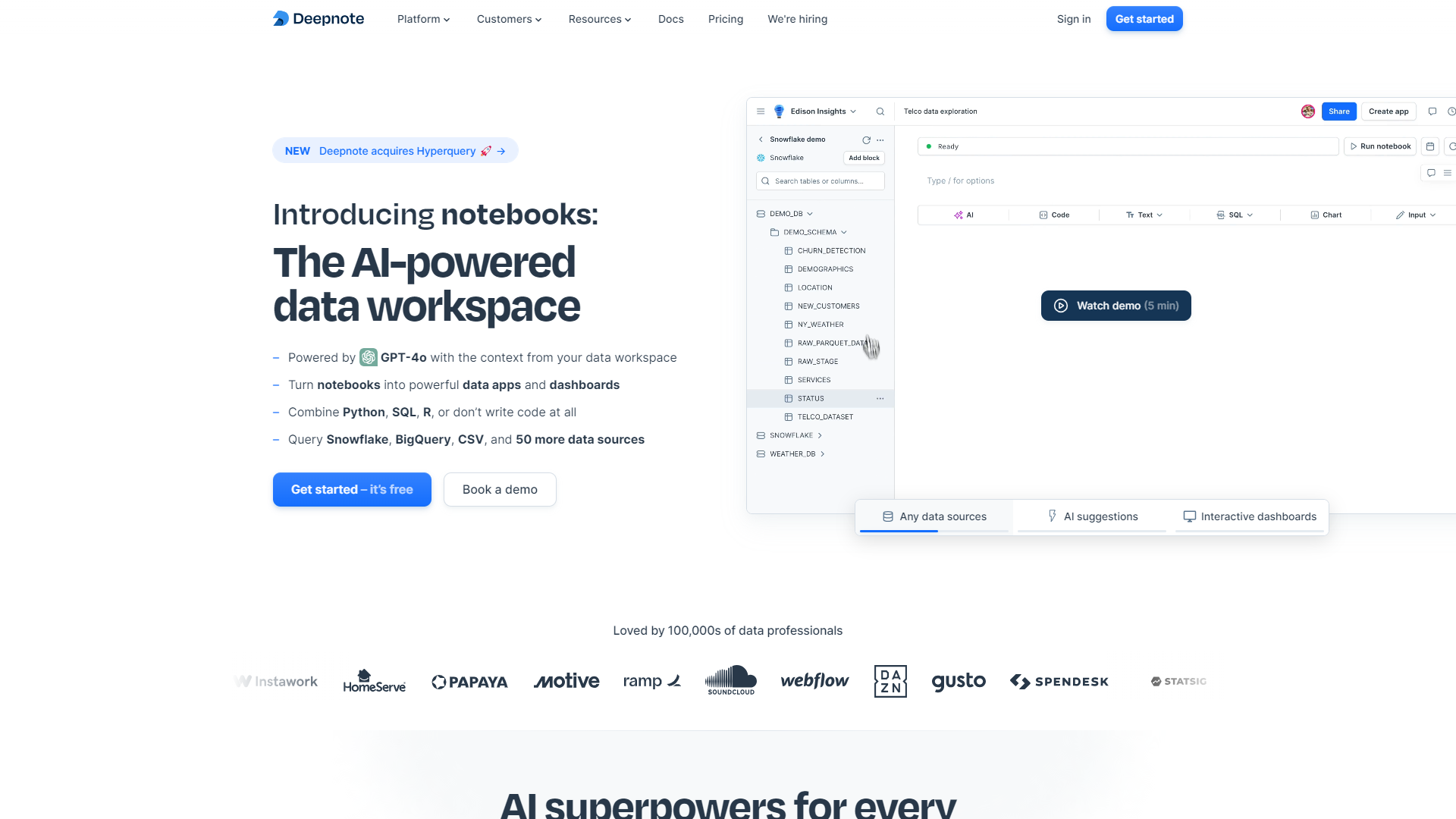
Deepnote is an advanced notebook tool designed for data scientists and analysts. It helps teams work together in real-time while providing a rich environment for coding in Python and R, analyzing data, and creating beautiful reports. One of its main advantages is the ability to seamlessly integrate with various databases and data sources, making data analysis more accessible and efficient.
The platform offers a sleek interface that allows users to write code, visualize data, and document their work simultaneously. This eliminates the traditional barriers where teams could struggle to share information effectively. Deepnote also supports version control, ensuring that every change is tracked and easily reversible, which is crucial for collaborative projects.
With a focus on user experience, Deepnote caters to both beginners and experts, making it a versatile choice for anyone involved in data science. Whether you're running simple analyses or complex models, Deepnote provides the tools needed to execute your projects smoothly and collaboratively.
Pros
- User-Friendly Interface
- Collaboration Features
- Robust Integrations
- Effective Version Control
- Good Documentation and Support
Cons
- Limited Offline Functionality
- Pricing Structure
- Learning Curve
- Performance Issues
- Integration Limitations
Clone Deepnote with AI
Create your own version of Deepnote — no coding needed. AI builds it for you in minutes.
Key features
Real-time Collaboration
Teams can work together on notebooks instantly, seeing changes as they happen.
Integration with Data Sources
Easily connect to various databases, cloud storage, and APIs for effective data handling.
Interactive Visualizations
Create visual representations of your data using built-in charts and graphs for easy understanding.
Version Control
Keep track of changes and revert to previous versions as needed to maintain project integrity.
Markdown Support
Use Markdown to document your workflows and insights for clear and thorough reporting.
Customizable Environment
Personalize your workspace with extensions and custom settings to suit your workflow.
Code Execution Efficiency
Run your code in a powerful environment that supports parallel processing for faster results.
Pre-built Templates
Access a library of templates for common data analysis tasks to streamline your workflow.
Rating Distribution
Pricing
| Plan | Price |
|---|---|
| Free | Free (1 Editors Per Month) |
| Team | $31.00 (1 Editors Per Month) |
| Enterprise | Contact Us (1 Editors Per Month) |
Screenshots
User Reviews
View all reviews on G2A better alternative to traditional notebooks out there
What do you like best about Deepnote?
As a university student who was using Deepnote while working on a team data visualization project, I loved how the interface made collaboration seamless. The real-time multi-user editing was a game-changer for us, which allowed us to easily work on different par...
Deepnote is the most convenient tool for data analytics I have ever used.
What do you like best about Deepnote?
Previously used Jupyter Notebook and PyCharm. Would like to say that Deepnote is more convenient, you just create python or SQL cell in a matter of seconds. Making new integrations is also mostly very easy. UI is very straightforward and user-friendly, everythin...
Deepnote is one of the best tools for collaboration in data
What do you like best about Deepnote?
I have been using Deepnote for more than a year and I'm super satisfied with it. It's easy to connect to our data watehouse and run our first line of code. Deepnote AI makes data exploration way faster, we are power user of the App function. Several applications...
Never seen better tool for Business analysis
What do you like best about Deepnote?
Deepnote has truly transformed the way I work with data. Its user-friendly interface is both intuitive and visually appealing, making it a joy to navigate even the most complex tasks. The platform's speed and efficiency are unmatched, allowing me to focus on ins...
Deepnote is a fantastic tool with a great free tier and reasonable paid tiers
What do you like best about Deepnote?
Really easy to get started and just jump in and go. Lots of database connectors.
The unlimited VMs at the Pro size (4 vcpu, 16 GB) is perfect for everyday work.
The AI integration is the best across all competitors. We tested that integration out across 6 comp...
Company Information
Alternative Data Science And Machine Learning Platforms tools
Explore other data science and machine learning platforms tools similar to Deepnote






FAQ
Here are some frequently asked questions about Deepnote.
What is Deepnote?
Deepnote is a collaborative notebook for data science, allowing teams to work on data analysis together in real time.
Can I use Deepnote offline?
Deepnote primarily requires an internet connection, and its offline functionality is limited.
What programming languages does Deepnote support?
Deepnote mainly supports Python and R for data analysis tasks.
Is there a free version of Deepnote?
Yes, Deepnote offers a free tier with basic features, but advanced functionalities may require a paid subscription.
How does real-time collaboration work?
Real-time collaboration allows multiple users to edit the same notebook simultaneously, with all changes updated instantly for everyone.
What types of data sources can I connect to?
You can connect to databases, cloud storage, and various APIs to access and analyze your data easily.
Does Deepnote provide data visualization tools?
Yes, Deepnote includes interactive visualization tools to create charts and graphs for your data analysis projects.
Can I revert changes in Deepnote?
Yes, Deepnote has version control that allows you to track changes and revert to previous versions conveniently.