

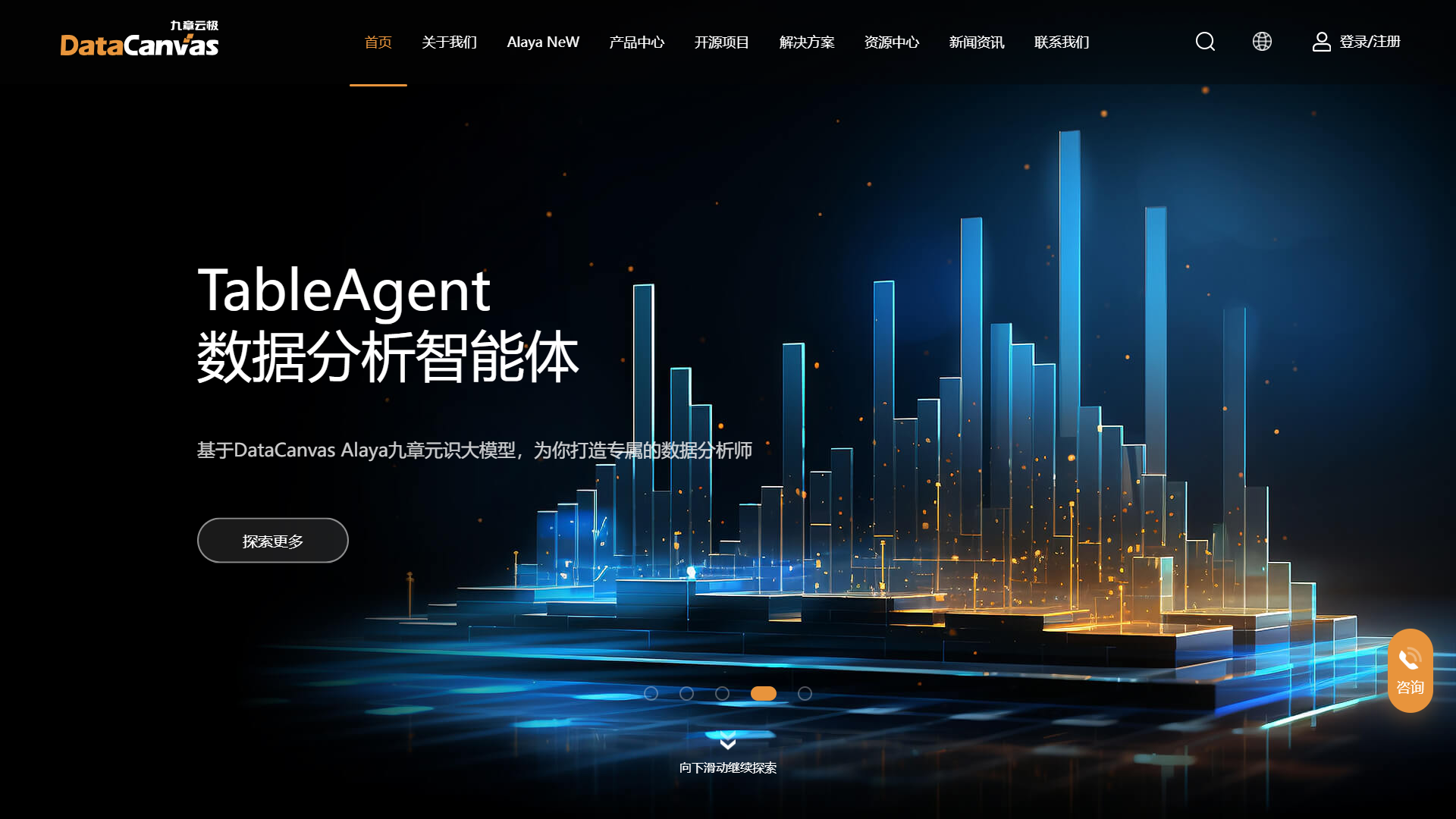
Overview
DataCanvas also emphasizes collaboration, enabling team members to share insights and work together on data projects. Its features support real-time teamwork, which is essential in today's fast-paced business environment. Overall, DataCanvas stands out as a versatile solution for any data-driven organization.
Pros
- User-Friendly
- Flexible Data Sources
- Strong Collaboration Features
- Robust Analytics
- Customizable
Cons
- Limited Free Version
- Learning Curve
- Performance Issues
- Customer Support
- Integration Issues
Clone DataCanvas with AI
Create your own version of DataCanvas — no coding needed. AI builds it for you in minutes.
Key features
Easy Data Import
Users can import data from multiple sources, such as spreadsheets, databases, and cloud services.
Drag-and-Drop Interface
The intuitive interface allows users to visualize data quickly without any programming skills.
Real-Time Collaboration
Teams can work together on data projects, sharing insights and updates in real-time.
Customizable Dashboards
Users can create personalized dashboards to display the most relevant data at a glance.
Built-in Analytics Tools
DataCanvas includes tools for analyzing data trends and generating reports.
Comprehensive Documentation
A resource-rich help section guides users through every feature and function.
Data Security
Strong security measures protect user data, ensuring confidentiality and safety.
Cross-Platform Support
DataCanvas can be accessed from various devices, making it convenient for users on the go.
Rating Distribution
Screenshots
User Reviews
View all reviews on G2Efficient tool to process data in Real-Time
What do you like best about DataCanvas?
DataCanvas is helpful in Real-time and offline business analytics. The main advantage of using DataCanvas is the User Interface is very smooth and friendly. The Data Scientist with Python knowledge can draw valuable and informative insights from DataCanvas. Th...
The ceiling of a one-stop data science platform integrating multiple functions
What do you like best about DataCanvas?
DataCanvas is a versatile, end-to-end machine learning platform for data science teams. As an end-to-end automated modeling platform, DataCanvas APS uses AI technology to deliver efficient, agile responses to business needs, enabling model development and appl...
As a data science platform, DataCanvas is much easier to use than expected
What do you like best about DataCanvas?
Basically, there is no threshold limit for users. Second, it can realize end-to-end model construction. Third, it can also carry out the whole life cycle of the model.
What do you dislike about DataCanvas?
Although it supports three different modeling methods...
It made data analytics easier and faster
What do you like best about DataCanvas?
The most useful function of DataCanvas is the AutoModeling part. Our operation team can use its built-in models to analyze industry data, customer data, etc., to support business decision-making more efficiently. The second reason that we chose it is that Dat...
Recommend DataCanvas as a great data science platform company.
What do you like best about DataCanvas?
This company provide flexible, professional enterprise data science platform for end users.
To lower the barrier of adopting machine learning, they also develop automl tools and open source this tool.
During the past years, they have solid customer base and b...
Company Information
Alternative Data Science And Machine Learning Platforms tools
Explore other data science and machine learning platforms tools similar to DataCanvas






FAQ
Here are some frequently asked questions about DataCanvas.
What is DataCanvas?
DataCanvas is a data management tool that helps users analyze and visualize data easily.
How do I import data into DataCanvas?
You can import data from spreadsheets, databases, and several cloud services through a user-friendly process.
Can I collaborate with my team in DataCanvas?
Yes, DataCanvas allows real-time collaboration, making it easy for team members to share insights and work together.
Is there a free version of DataCanvas?
Yes, DataCanvas offers a free version, but it has limited features compared to the paid plans.
What kind of analytics tools are included?
DataCanvas provides built-in analytics tools that help users analyze trends and generate reports.
Is my data safe with DataCanvas?
DataCanvas employs strong security measures to protect user data, ensuring confidentiality.
Can I customize my dashboard?
Absolutely! Users can create personalized dashboards that display their most important data.
Is DataCanvas available on mobile devices?
Yes, DataCanvas supports cross-platform access, allowing you to use it on various devices.