

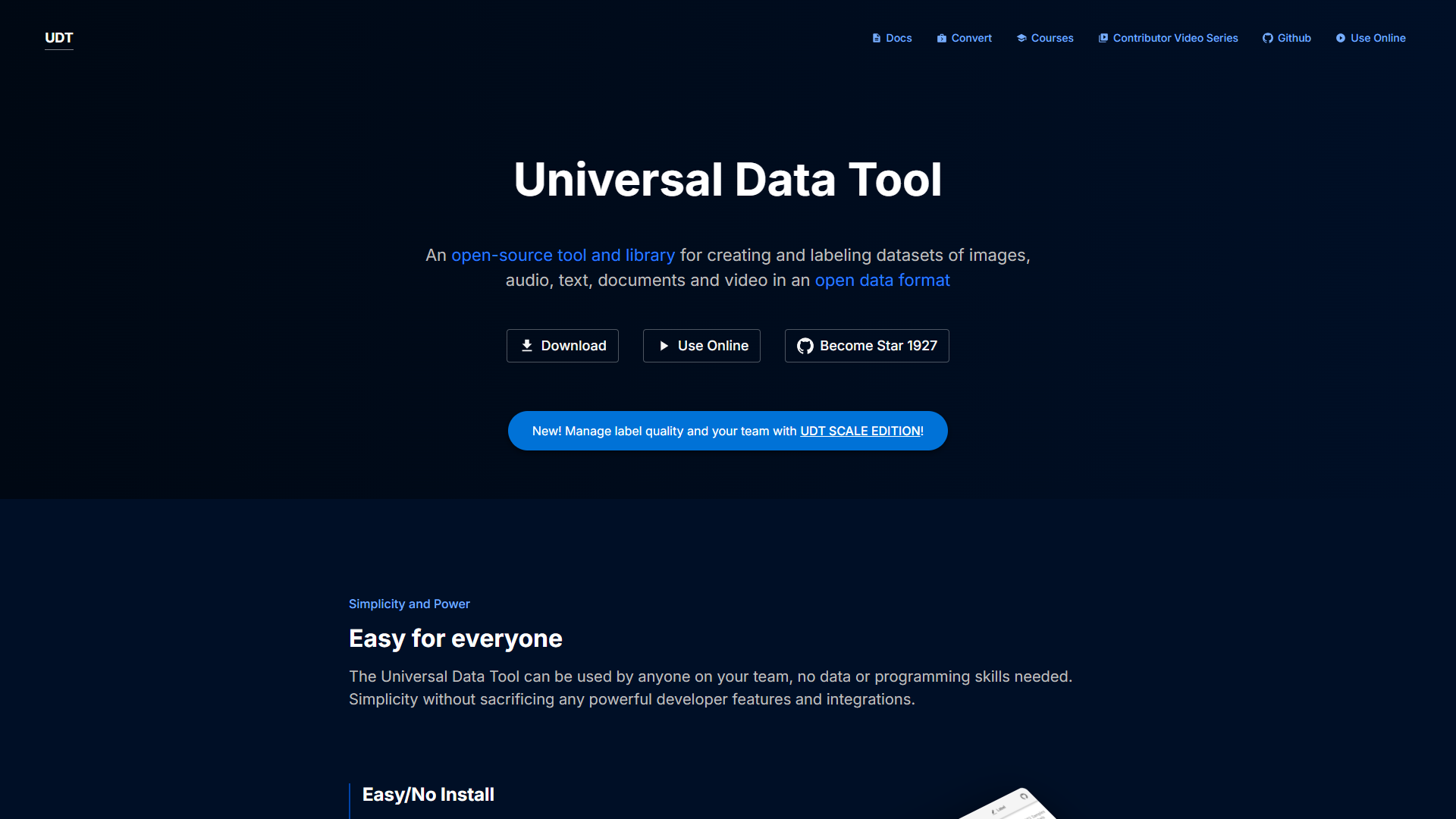
Overview
Universal Data Tool helps users handle data from various sources in a simple way. It allows both beginners and professionals to create, edit, and visualize data effortlessly. With its user-friendly interface, you can explore large datasets and make sense of them without needing complicated programming skills.
Pros
- Easy to Use
- Affordable Pricing
- Reliable Customer Support
- Versatile Data Handling
- Time-Saving
Cons
- Limited Advanced Features
- Occasional Bugs
- Internet Requirement
- Learning Curve
- Performance Issues
Clone Universal Data Tool with AI
Create your own version of Universal Data Tool — no coding needed. AI builds it for you in minutes.
Key features
Data Import
Easily import data from various formats like CSV, Excel, and JSON. This feature makes it convenient for users to start working with their datasets quickly.
Data Cleaning
The tool provides strong features for cleaning data, including removing duplicates and fixing errors. It ensures your data is accurate and reliable.
Data Visualization
You can create charts and graphs to visualize your data. This helps in understanding trends and patterns at a glance.
User-Friendly Interface
The intuitive design makes navigation simple, helping users of all skill levels to operate the tool with ease.
Collaboration Tools
Work together with your team as you can share data and insights in real time. This boosts productivity and decision-making.
Customizable Templates
The tool comes with templates that allow users to customize their data views to better suit their needs.
Multi-Platform Support
Available on major operating systems, so you can access your data anywhere, anytime.
Regular Updates
With frequent updates, users receive new features and improvements that keep the tool modern and efficient.
Rating Distribution
Screenshots
User Reviews
View all reviews on G2Universal Data Tool by Finrod
What do you like best about Universal Data Tool?
Being able to use it from the web without the need to install it, ease of use and very easy to learn
What do you dislike about Universal Data Tool?
The very simplicity sometimes makes you feel that options are lacking
What problems is Universal Data...
Collaborative, Easy-to-Use, Great for Developers OR Labelers
What do you like best about Universal Data Tool?
The ease-of-use, both in the app and programmatically, make it both a safe and powerful option.
What do you dislike about Universal Data Tool?
For massive datasets, there are limitations to the collaborative features.
Recommendations to others consi...
Alternative Data Labeling tools
Explore other data labeling tools similar to Universal Data Tool






FAQ
Here are some frequently asked questions about Universal Data Tool.
What types of data can I import?
You can import data from CSV, Excel, JSON, and other common formats.
Is there a trial version available?
Yes, Universal Data Tool offers a free trial version for you to explore its features.
Can I share my data with others?
Absolutely! You can collaborate and share data with your team easily.
Is it suitable for beginners?
Yes, the tool is designed for users of all skill levels, including beginners.
Does it work offline?
Some features require an internet connection, but there are offline capabilities available as well.
How often are updates released?
Updates are released regularly to add new features and fix any issues.
What kind of customer support is available?
You can access email support, live chat, and a comprehensive knowledge base.
Can I create visual reports?
Yes, you can create various charts and graphs to visualize your data.