

Overview
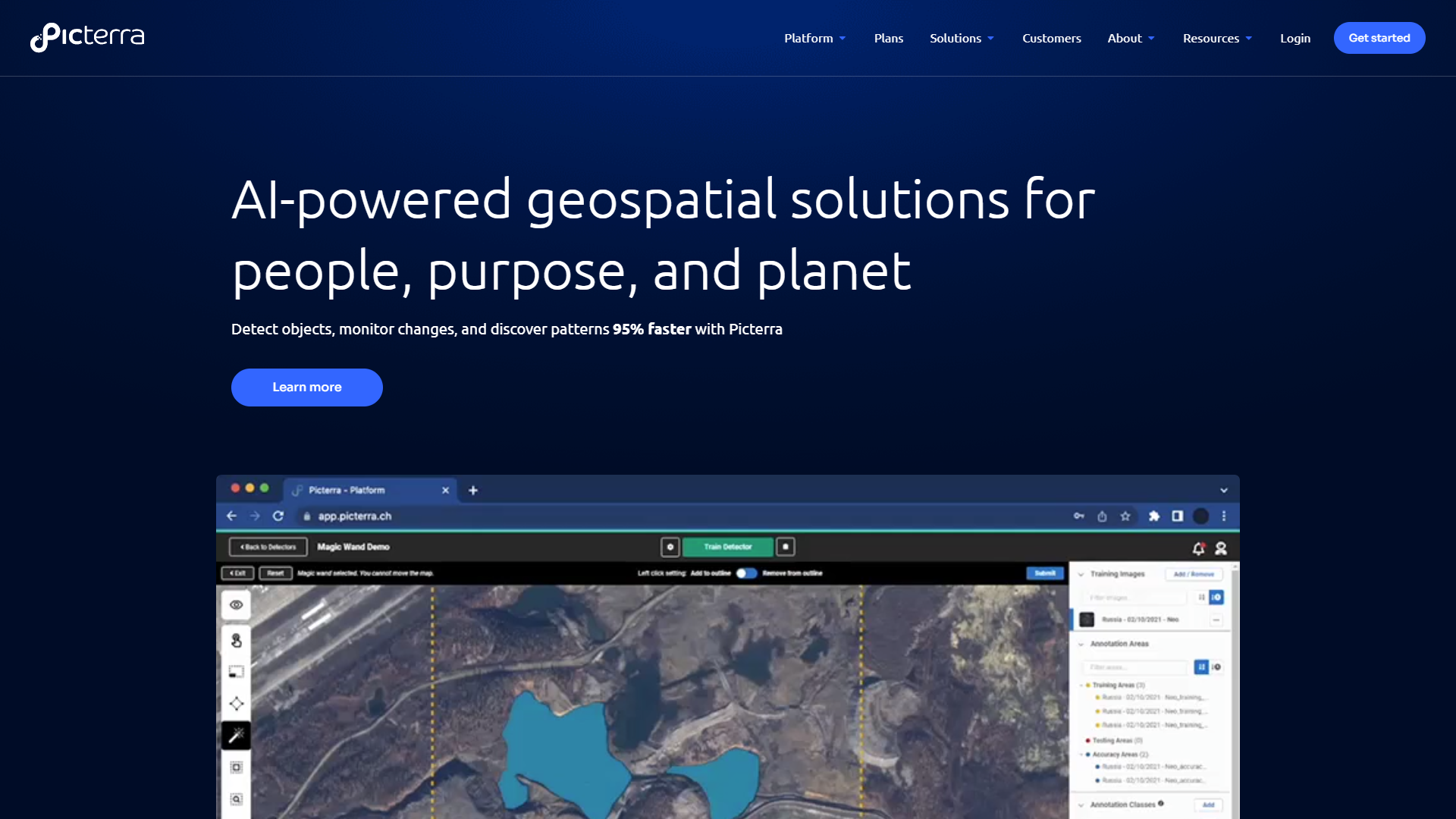
Picterra is a powerful tool designed for users who need to analyze aerial images. It helps industries such as agriculture, forestry, and urban planning by providing insights through its AI-driven technology. Users can create custom models to detect and classify various objects from satellite or drone imagery. With Picterra, understanding complex data has never been easier.
The platform allows users to upload their images and train machine learning models to recognize patterns. This process can help identify changes over time, making it a valuable resource for environmental monitoring and land use mapping. Picterra caters to both professionals and beginners, making aerial image analysis accessible to everyone.
Picterra’s user-friendly interface enables swift navigation and effective project management. It supports collaboration among teams, promoting efficient workflow and data sharing. As a cloud-based solution, it ensures users can access their projects anytime, anywhere, simplifying their analytical tasks significantly.
Pros
- Intuitive Design
- Flexible Model Training
- Time-Saving
- Scalable
- Strong Support Community
Cons
- Cost
- Learning Curve
- Limited Offline Access
- Data Privacy Concerns
- Dependence on Quality Images
Clone Picterra with AI
Create your own version of Picterra — no coding needed. AI builds it for you in minutes.
Key features
Custom Model Creation
Users can create tailored models to detect specific objects in images.
AI-Powered Analysis
The platform uses advanced AI technology for accurate pattern recognition.
User-Friendly Interface
Non-technical users can easily navigate the platform.
Cloud-Based Access
Access your projects from anywhere, anytime with an internet connection.
Collaboration Tools
Share projects and insights with team members effortlessly.
Real-Time Monitoring
Analyze changes in aerial images as they happen.
High-Quality Outputs
Generate clear and concise reports and visualizations.
Broad Industry Applications
Suitable for agriculture, forestry, urban planning, and more.
Screenshots
Company Information
Alternative Data Labeling tools
Explore other data labeling tools similar to Picterra






FAQ
Here are some frequently asked questions about Picterra.
What industries can benefit from using Picterra?
Picterra is suitable for agriculture, forestry, urban planning, and environmental monitoring, among others.
Do I need technical skills to use Picterra?
No, Picterra is designed to be user-friendly for people with all skill levels.
Can I collaborate with my team on Picterra?
Yes, Picterra includes collaboration tools to facilitate teamwork and project sharing.
How do I create a custom model in Picterra?
You can upload images and use the model training tools to specify what you want to detect.
Is there customer support if I have questions?
Yes, Picterra offers customer support and has a community for users to share experiences.
What is the pricing structure for Picterra?
Picterra offers different subscription plans depending on your needs, which can be reviewed on their website.
Can Picterra analyze images in real-time?
Yes, it provides real-time monitoring and analysis of aerial images for immediate insights.
What format of images can I upload to Picterra?
Picterra supports various image formats commonly used in drone and satellite imagery.