

CVAT AI
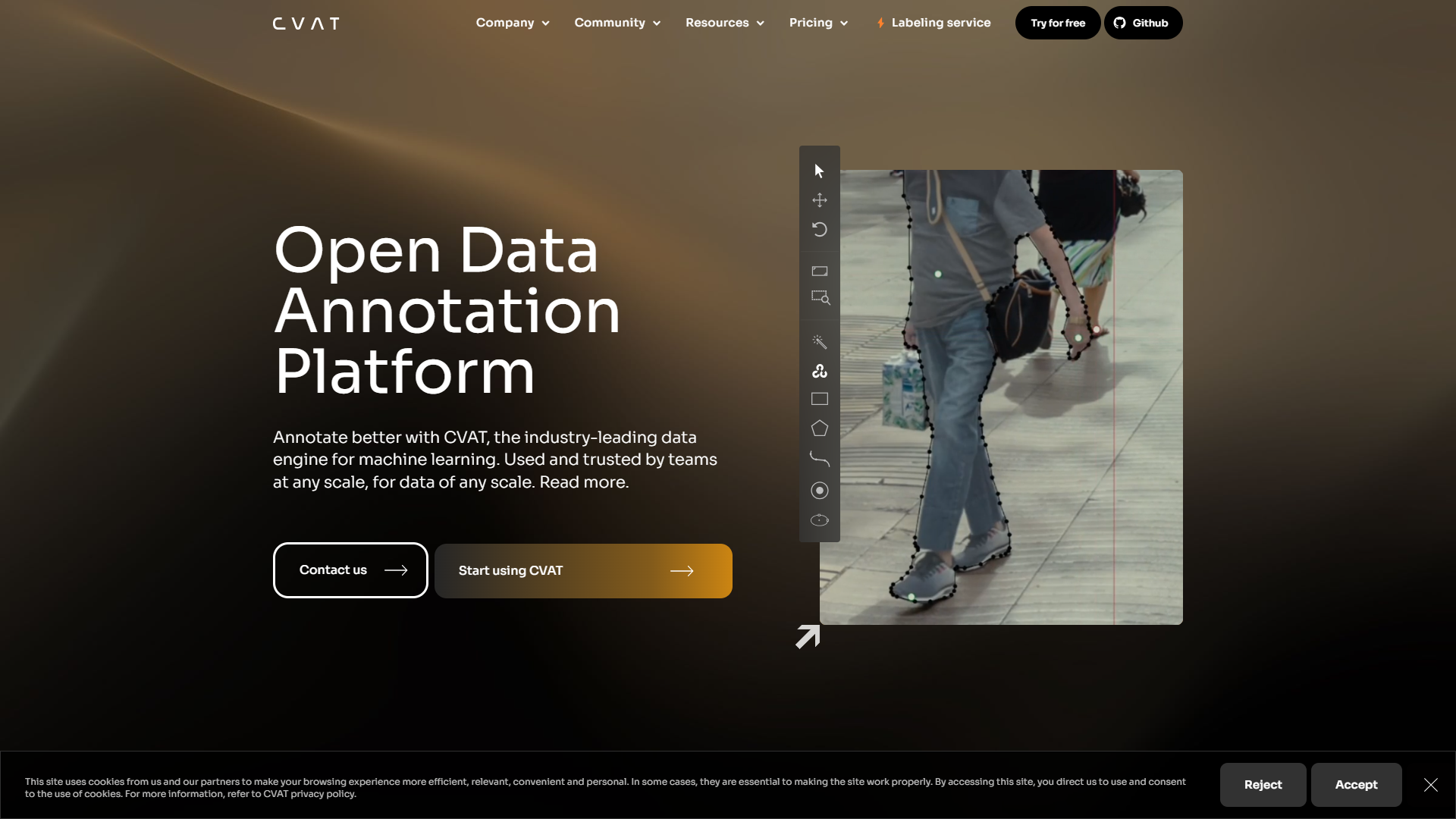
CVAT.ai is a powerful tool for annotating images and videos for AI and machine learning projects.
Overview
CVAT.ai, or Computer Vision Annotation Tool, is designed to make the process of annotating data easier and more efficient for developers and data scientists. It is open-source and user-friendly, which means anyone can use it, regardless of their technical skills. This tool is especially useful for those working in machine learning who need accurate labels for their datasets.
The platform supports various types of annotations, including image segmentation, bounding boxes, key points, and more. With an intuitive interface, users can quickly learn how to create and manage annotations. The community around CVAT.ai also contributes to its growth, providing support and sharing knowledge.
In a world where data is essential for training AI models, CVAT.ai stands out as a go-to solution. It enables organizations to save time and resources through efficient annotation processes, allowing them to focus on building better AI systems.
Pros
- Free to Use
- Efficiency in Workflow
- Real-Time Collaboration
- Accuracy in Annotations
- Continuous Updates
Cons
- Learning Curve
- Limited Customer Support
- Requires Internet Access
- Performance Issues
- Documentation Gaps
Clone CVAT AI with AI
Create your own version of CVAT AI — no coding needed. AI builds it for you in minutes.
Key features
User-Friendly Interface
CVAT.ai features an intuitive design that makes it easy for users to navigate and utilize its various tools for annotation.
Supports Multiple Annotation Types
Users can create bounding boxes, polygons, and keypoints, making it versatile for different projects.
Open-Source
Being an open-source tool, CVAT.ai allows developers to modify and enhance the software to meet their needs.
Collaboration Tools
Teams can work together in real-time, sharing projects and annotations seamlessly.
High-Quality Annotations
CVAT.ai promotes accuracy in annotations, which is crucial for training reliable machine learning models.
Customizable Settings
Users can adjust settings to fit specific project requirements, boosting productivity.
Integration Capabilities
The tool can easily be integrated with other platforms, making data management and workflows smooth.
Active Community Support
A supportive community provides resources like tutorials, forums, and plugins to enhance user experience.
Rating Distribution
User Reviews
View all reviews on G2Easy tool for Data Annotation.
What do you like best about CVAT.ai?
The best Cvat.ai does is that it has many annotation options that works with different Computer vision algorithms. Boxed, polygon and even Segmentation annotations are possible. They have few Pretrained models to select and annotated based on them, or we could up...
User Experience Challenges with CVAT.ai: Interface Complexity and Performance Issues
What do you like best about CVAT.ai?
What I like best about CVAT.ai is its intuitive interface and versatile annotation tools, which make it easy for students to handle data labeling efficiently. The platform’s collaborative features are also a big plus for group projects, helping streamline teamwor...
great services for image annotations
What do you like best about CVAT.ai?
I want to share my outstanding experience using CVAT.AI services for my medical imaging thesis! 🏥
Key highlights:
- Seamless integration with Google Cloud API for efficient CT scan image upload and hierarchical organization.
- Intuitive annotation tools that fa...
A tool of great power, enabling its users to mark large sums of data quickly and efficiently.
What do you like best about CVAT.ai?
Due to its simplicity and flexibility, it is possible to recommend CVAT for image and video annotation. Again the organization features, the UI/UX which was developed from the feedback of the professional annotators, its easy and efficient for big projects.
What...
Doing Computer Vision, Deep Learning and Data Science starting 2004, working with annotation tools.
What do you like best about CVAT.ai?
Set of features that beats most of other platforms. Clear documentatation. Versatility- you can set it up in various ways- in prems, locally, in cloud and ven hosted by CVAT.ai
Copmpelling list of features: all annotation styles you can imagine- AABB, OBB, masks,...
Company Information
Alternative Data Labeling tools
Explore other data labeling tools similar to CVAT AI






FAQ
Here are some frequently asked questions about CVAT AI.
What is CVAT.ai?
CVAT.ai is an open-source annotation tool that helps users label images and videos for use in AI and machine learning applications.
Who can use CVAT.ai?
Anyone can use CVAT.ai, from beginners to experts in AI and machine learning, as it is designed to be user-friendly.
What types of annotations can I create?
You can create various types of annotations, including bounding boxes, polygons, and key points.
Is CVAT.ai free?
Yes, CVAT.ai is completely free to use as it is an open-source project.
Can multiple users work on a project at the same time?
Yes, CVAT.ai supports real-time collaboration, allowing multiple users to work together on a project.
How can I improve my skills in using CVAT.ai?
You can improve your skills by exploring online tutorials, forums, and community resources available for CVAT.ai users.
Does CVAT.ai work offline?
While CVAT.ai primarily requires internet access, there are ways to host it locally, but it may need technical setup.
What are the system requirements for using CVAT.ai?
CVAT.ai can be used in browsers, but for large datasets, a strong computer with good processing power is recommended.