

Text Blaze
Text Blaze is a powerful text expansion tool that saves you time and effort.
Overview
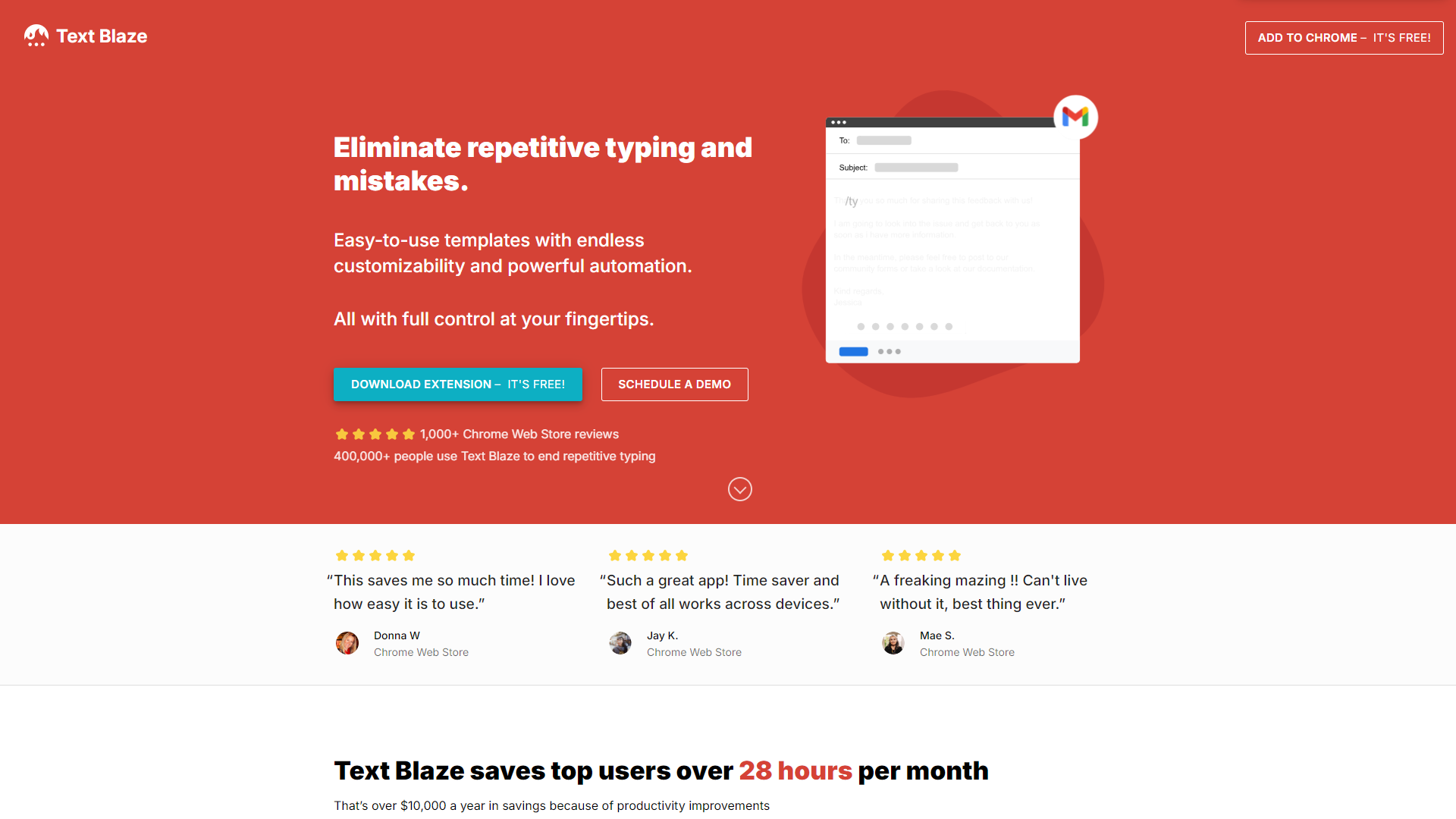
Text Blaze is a productivity tool designed to help users type faster and more efficiently. It allows you to create snippets, which are short pieces of text that can be inserted into any document or platform with just a few keystrokes. This means you can write emails, messages, and documents quicker without repetitive typing, making your workday more productive.
The application is easy to use and can be integrated with various web applications, like Google Docs, Gmail, and Slack. It helps streamline your writing process by allowing you to store common phrases, signatures, or even complex sales pitches. With customizable templates and the ability to add shortcuts, Text Blaze caters to a wide range of users—from busy professionals to students.
Overall, Text Blaze is an excellent choice for anyone looking to improve their writing speed and organization. It offers flexible features that make it suitable for both personal and professional use. By reducing the time spent on repetitive tasks, Text Blaze gives you the chance to focus on what truly matters in your work.
Pros
- Increases Productivity
- Easy to Use
- Versatile Applications
- Customization
- Time Tracking
Cons
- Learning Curve
- Browser Dependency
- Limited Offline Use
- Cost
- Snippet Management
Clone Text Blaze with AI
Create your own version of Text Blaze — no coding needed. AI builds it for you in minutes.
Key features
Text Snippets
Easily create and store text snippets that can be recalled using shortcuts.
Template Customization
Build templates for emails or documents tailored to your specific needs.
Cross-Platform Compatibility
Works seamlessly with Google Docs, Gmail, and other web-based applications.
Rich Text Support
Format your snippets with different fonts, colors, and styles.
Dynamic Fields
Insert personalized fields that can change based on the situation, such as names or dates.
Collaboration Tools
Share snippets with team members to ensure consistent communication.
Analytics Dashboard
Monitor your snippet usage to see how much time you save.
Keyboard Shortcuts
Use keyboard shortcuts to quickly access your snippets without mouse clicks.
Rating Distribution
Screenshots
User Reviews
View all reviews on G2Very good extension for time saving
What do you like best about Text Blaze?
Text blaze is a time saver it save time while writing repetitive task such as writing name , date , address etc.the animation after entering the shortcut code is very good and i can customize templets according to me , i can share my templets to anyone. as te...
An amazing time saver
What do you like best about Text Blaze?
Text blaze is an amazing time saver. I honestly wish I was more tech savvy because I think I could get so much more out of it. But even with my limited skills I save tons of time not typing the same thing over and over and over again. The ability to share ...
Fast forms for any business
What do you like best about Text Blaze?
I like that I can save time writing emails as I get everything ready for my work, and I can also build some formats and cells to engage all my data together without any effort.
What do you dislike about Text Blaze?
It has a maximum of 20 canned responses, the...
Saves me email writing time.
What do you like best about Text Blaze?
It saves me 2-3 minutes every time I write an email. Everytime I am replying to a customer or team mates.
What do you dislike about Text Blaze?
They are only available on Chrome Extension store and Microsoft Store.
What problems is Text Blaze solving and how...
Text Blaze makes reply emails and other frequently used templates a breeze!
What do you like best about Text Blaze?
I never have to worry about retyping frequently used reply emails, note templates, or any other templates I use on a daily basis. Text Blaze eliminates the need to type out long messages, note templates for meetings, LinkedIn messages, etc., and replaces them ...
Company Information
Alternative Conversational Intelligence tools
Explore other conversational intelligence tools similar to Text Blaze






FAQ
Here are some frequently asked questions about Text Blaze.
What is Text Blaze?
Text Blaze is a text expansion tool that helps you save time by inserting pre-defined snippets of text quickly.
How does Text Blaze work?
You create snippets of text that can be recalled using shortcuts, allowing you to quickly insert them into documents or emails.
Is Text Blaze free to use?
Text Blaze offers a free plan with basic features and a premium plan for advanced functionalities.
Can I use Text Blaze offline?
Text Blaze is primarily designed for online usage, so offline functionality may be limited.
What platforms does Text Blaze support?
Text Blaze works with various web applications like Google Docs, Gmail, and Slack.
Can I share snippets with my team?
Yes, Text Blaze allows you to share snippets with team members for better collaboration.
Does Text Blaze track my usage?
Yes, it features an analytics dashboard to help you monitor how much time you save.
How can I customize my snippets?
You can customize snippets with various formatting options and insert dynamic fields for personalization.