

TeamViewer Remote
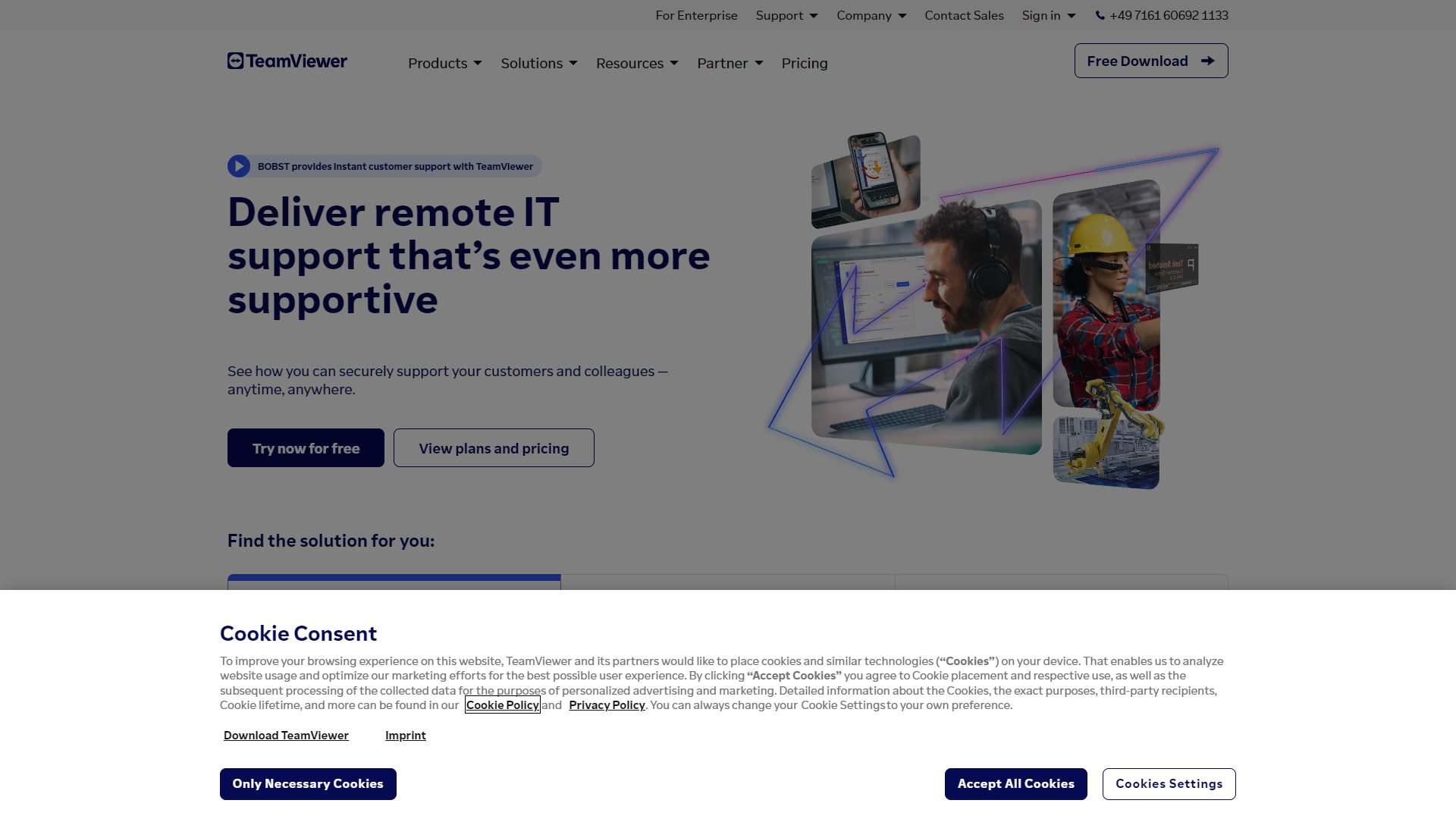
TeamViewer Remote is a simple tool for remote access and support.
Overview
TeamViewer Remote is a software that helps users connect to other computers over the internet. It allows you to access your files and applications from anywhere, as long as you have an internet connection. Whether you want to help a friend troubleshoot their computer or access your office desktop from home, TeamViewer makes it easy and straightforward. The user-friendly interface ensures that even those who are not tech-savvy can quickly learn how to use it.
Pros
- Easy to Use
- Fast Connection
- Wide Compatibility
- High Security
- Good Customer Support
Cons
- Cost
- Internet Dependent
- Limited Free Version
- Lagging Issues
- Privacy Concerns
Clone TeamViewer Remote with AI
Create your own version of TeamViewer Remote — no coding needed. AI builds it for you in minutes.
Key features
Remote Access
You can access your computer or server from anywhere, making it useful for remote work.
File Transfer
Easily transfer files between devices without complicated setups.
Multi-Platform Support
Works on Windows, Mac, Linux, iOS, and Android, allowing flexibility across devices.
Screen Sharing
Share your screen with others for collaboration or troubleshooting.
Remote Printing
Print documents from your remote device directly to a local printer.
Session Recording
Recording your remote sessions can help keep track of important actions taken.
Two-Factor Authentication
Enhances security by requiring additional verification for access.
Custom Branding
Businesses can customize the software interface to reflect their brand.
Pricing
| Plan | Price | Description |
|---|---|---|
| Remote Access | Starting at $24.90 | Ideal for on-the-go professionals looking for an economical, easy remote work solution. |
| Business | $50.90 | Designed for Entrepreneurs, IT and Business Professionals, and Telecommuters. |
| Premium | $112.90 | Designed for SMBs and Small Teams. |
| Corporate | $229.90 | Designed for Managed Service Providers (MSP) and Teams with Multiple Users Where Multitasking Is a Must. |
Alternative Conversational Intelligence tools
Explore other conversational intelligence tools similar to TeamViewer Remote





FAQ
Here are some frequently asked questions about TeamViewer Remote.
What is TeamViewer Remote used for?
TeamViewer Remote is mainly used for remote access, support, and collaboration across different devices.
Is TeamViewer Remote free?
TeamViewer offers a free version for personal use, but businesses typically need a paid plan for full features.
Can I access my files remotely?
Yes, you can access and manage your files from any device that has TeamViewer installed.
Is it easy to install TeamViewer?
Absolutely! The installation process is quick and straightforward, with clear prompts.
Does TeamViewer work on smartphones?
Yes, TeamViewer has mobile apps available for both iOS and Android devices.
What security features does TeamViewer have?
TeamViewer uses strong encryption and two-factor authentication to protect your remote sessions.
Can I use TeamViewer for online meetings?
Yes, TeamViewer supports online meeting features, allowing you to share your screen and collaborate with others.
How do I get support for TeamViewer?
Support is available through their website, including FAQs, documentation, and direct contact options.