

Mumble
Mumble is a voice chat software designed for gaming and online collaboration.
Overview
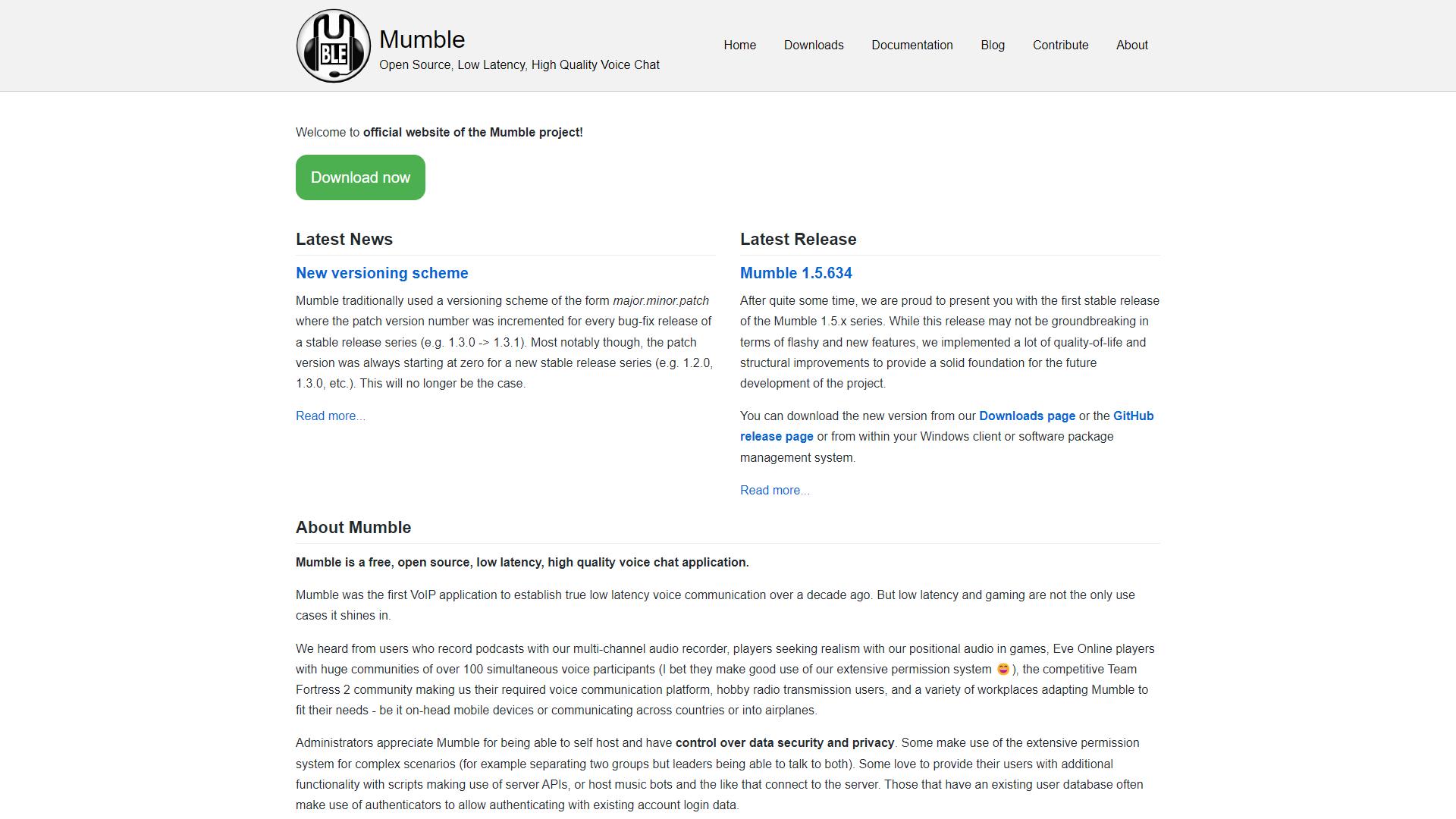
Mumble is an open-source voice chat application that allows users to communicate easily while playing games or collaborating on projects. It is designed to provide low-latency audio and high quality sound, making it ideal for environments where clear communication is vital. One of Mumble's strongest points is its support for multiple users, allowing friends and team members to join chat rooms easily, improving the overall experience of online activities.
The application features a straightforward interface that makes it user-friendly for both new and experienced users. Users can create their own servers or join existing ones, which gives them flexibility based on their needs. Mumble also emphasizes privacy and security, offering encrypted communication for those who want to keep their conversations secure.
Mumble is not just limited to gaming; it can also be used for business meetings, online classrooms, and any situation where group communication is essential. This versatility, combined with its strong audio quality, has made Mumble a popular choice among many communities worldwide.
Pros
- Free and Open Source
- Secure Communication
- Low Resource Consumption
- Active Community
- Regular Updates
Cons
- Setup Complexity
- Limited Mobile Support
- Less Popularity
- Requires Internet Connection
- Audio Issues
Clone Mumble with AI
Create your own version of Mumble — no coding needed. AI builds it for you in minutes.
Key features
High-Quality Audio
Mumble provides clear and crisp voice communication, ideal for gaming and meetings.
Low Latency
With a focus on speed, Mumble enhances real-time conversation without lag.
Server Hosting
Users can create and host their own private servers for secure communication.
Cross-Platform Support
Available on multiple platforms, including Windows, Mac, and Linux.
Text Chat
In addition to voice, users can send text messages for quick communication.
Easy User Management
Administrators can manage users, roles, and permissions easily.
Customizable User Interface
Users can change the layout and look of the app to suit their preferences.
Rich Plugin Support
Mumble supports various plugins to add extra features and enhancements.
Alternative Conversational Intelligence tools
Explore other conversational intelligence tools similar to Mumble






FAQ
Here are some frequently asked questions about Mumble.
What is Mumble?
Mumble is a free, open-source voice chat application primarily used for gaming and online collaboration.
Is Mumble easy to use?
Yes, Mumble has a user-friendly interface, but some initial setup may require a bit of guidance.
Do I need to pay for Mumble?
No, Mumble is completely free to use.
Can I use Mumble on my phone?
Yes, Mumble is available for mobile devices, but some features may be limited compared to the desktop version.
How do I create a server on Mumble?
You can create your own server by downloading the Mumble server software and following the setup instructions.
Does Mumble support audio encryption?
Yes, Mumble offers end-to-end encryption for secure voice communication.
What platforms is Mumble available on?
Mumble is available on Windows, Mac, and Linux platforms.
Can I use Mumble for non-gaming purposes?
Absolutely! Mumble is great for business meetings, online classes, and other group communications as well.