

Overview
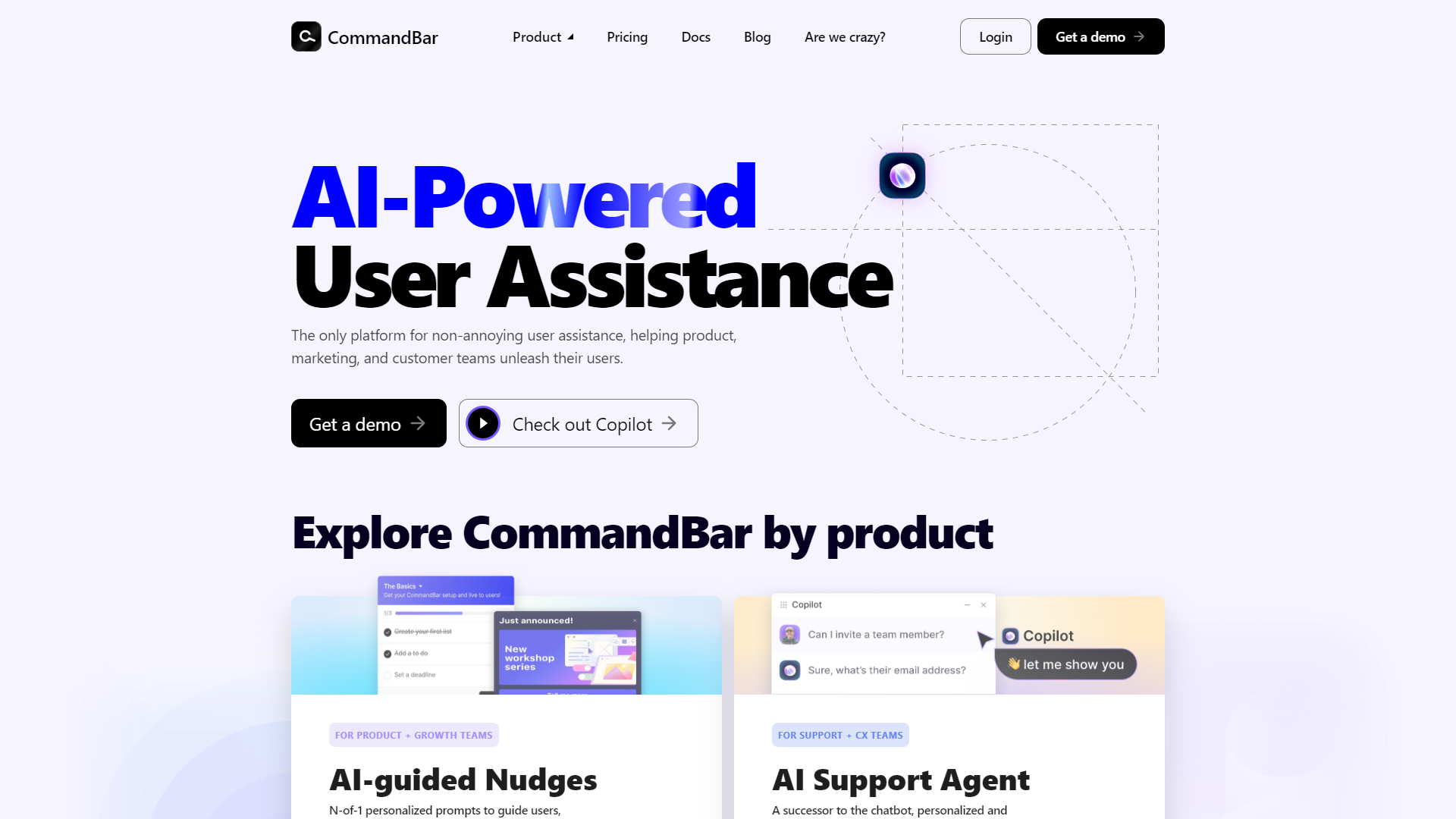
CommandBar is a powerful tool designed to improve your workflow in various applications. It allows users to access features, commands, and information quickly. With its user-friendly interface, CommandBar makes it easier for teams to collaborate and complete tasks efficiently.
This innovative tool integrates seamlessly with popular apps, reducing the time spent searching for functions or navigating complex menus. Users can type commands or keywords, and CommandBar provides instant suggestions, helping them stay focused on their work.
Whether you are in a large organization or a small startup, CommandBar enhances productivity by streamlining tasks and minimizing distractions. Its robust features cater to diverse user needs, making it a versatile choice for anyone looking to boost their efficiency.
Pros
- Increases Productivity
- Easy to Use
- Customizable
- Wide Integration
- Real-time Feedback
Cons
- Learning Curve
- Limited Offline Functionality
- Potential Overloading
- Compatibility Issues
- Dependence on Keywords
Clone CommandBar with AI
Create your own version of CommandBar — no coding needed. AI builds it for you in minutes.
Key features
Quick Command Access
Users can quickly type commands to access various features without navigating through multiple menus.
Integration with Popular Tools
CommandBar works with many applications like Slack, Google Docs, and Jira, making it versatile for different teams.
Real-time Suggestions
As you type, CommandBar offers instant suggestions based on your commands, helping you find what you need faster.
Customizable Shortcuts
Users can customize keyboard shortcuts to match their workflow preferences, enhancing their experience.
User-Friendly Interface
The tool has a simple and clean design, making it easy for anyone to use without extensive training.
Search Functionality
CommandBar includes a powerful search feature that helps users locate information quickly.
Multi-Platform Support
Whether you're on desktop or mobile, CommandBar provides a consistent experience across devices.
Analytics and Insights
CommandBar offers insights into your usage, helping teams understand engagement and improve productivity.
Pricing
| Plan | Price | Description |
|---|---|---|
| Starter | Contact Us (Per Month) | For growing startups. Free trial available. |
| Growth | Contact Us (Per Month) | For fast-growing companies. Free trial available. |
| Enterprise | Contact Us (Per Month) | For custom requirements. |
Alternative Conversational Intelligence tools
Explore other conversational intelligence tools similar to CommandBar






FAQ
Here are some frequently asked questions about CommandBar.
What is CommandBar?
CommandBar is a tool that helps users access features and commands quickly in their favorite apps.
How does CommandBar improve productivity?
It reduces the time spent searching for functions by allowing users to type commands and receive instant suggestions.
Can I customize shortcuts in CommandBar?
Yes, CommandBar allows users to create custom keyboard shortcuts tailored to their workflow.
Which applications does CommandBar integrate with?
CommandBar works with popular apps like Slack, Google Docs, and Jira among others.
Do I need an internet connection to use CommandBar?
Yes, CommandBar requires an internet connection for full features and functionality.
Is CommandBar easy to use?
Yes, CommandBar is designed with a user-friendly interface, making it easy for everyone to start using.
What devices can I use CommandBar on?
CommandBar supports multiple platforms, including desktop and mobile devices.
Does CommandBar offer analytics?
Yes, it provides insights into usage, helping teams to improve productivity based on their engagement.