
Overview
Rephraser is an innovative online tool designed to help users enhance their writing by providing options to rephrase sentences, paragraphs, or entire documents. This tool is particularly useful for writers, students, and professionals who are looking to improve the clarity, style, and impact of their written communication. Rephraser uses advanced algorithms and natural language processing technologies to suggest alternative ways to express the same ideas, ensuring that the text remains clear and retains its original meaning.
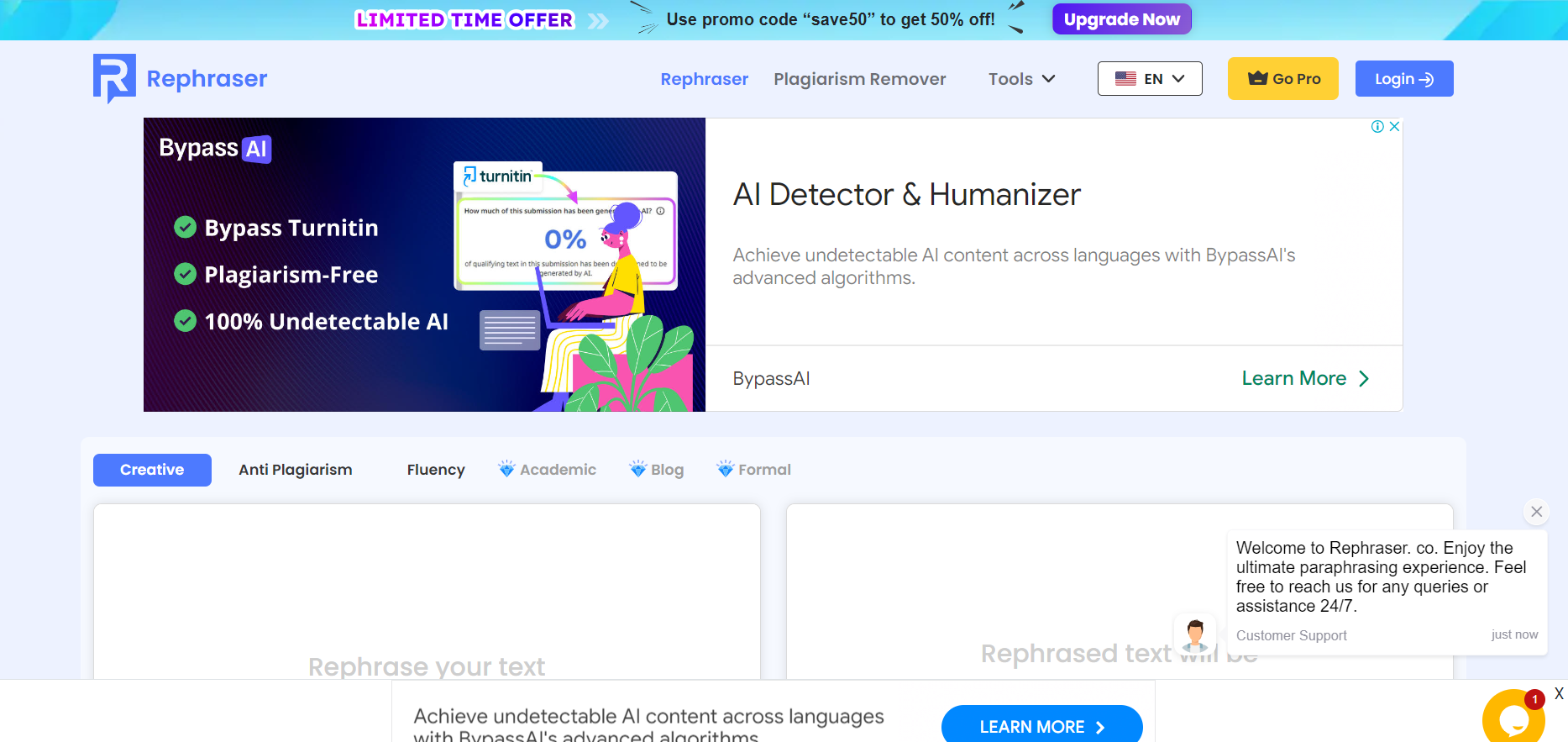
The interface of Rephraser is user-friendly, allowing for easy navigation and operation. Users simply need to input their text, and the tool quickly generates multiple rephrased versions of the text. This feature is invaluable for avoiding plagiarism by ensuring that the content is unique, while also enhancing vocabulary and sentence structure. Additionally, Rephraser offers feedback on grammar and style, making it a comprehensive writing aid that not only helps in rephrasing but also polishes the overall quality of the text. Whether you're drafting an important email, preparing an academic paper, or crafting a creative piece, Rephraser is an essential tool for producing compelling, high-quality written content.
Pros
- Content tone adjustment
- Document summarization
- Consistency check
- Feedback integration
- Collaborative features
Cons
- Limited language options
- Contextual inaccuracies
- Subscription cost
- Dependence on internet
Clone Rephraser AI with AI
Create your own version of Rephraser AI — no coding needed. AI builds it for you in minutes.
Key features
Real-time editing
Provides instant suggestions to improve clarity, style, and grammar for any written content.
Plagiarism checker
Ensures originality by comparing text against billions of web pages and academic papers.
Language enhancement
Enhances vocabulary and sentence structure to elevate the quality of writing.
SEO optimization
Analyzes and suggests optimizations to help content rank better on search engines.
User-friendly interface
Designed for ease of use, allowing users to navigate and edit documents efficiently.
Multi-language support
Offers services in several languages, broadening accessibility for non-English speakers.
Alternative Ai Writer tools
Explore other ai writer tools similar to Rephraser AI






FAQ
Here are some frequently asked questions about Rephraser AI.
What is Rephraser?
Rephraser is an online tool designed to help users rewrite or rephrase their text to enhance clarity, improve style, or avoid plagiarism.
Is there a limit to how much text I can input into Rephraser at one time?
Yes, Rephraser typically has a word limit per submission, which can vary based on the subscription plan you are using.
Does Rephraser support multiple languages?
Yes, Rephraser supports multiple languages, allowing users to rephrase text in different languages based on the tool's capabilities and language options available.
Is the content I input into Rephraser kept confidential?
Yes, Rephraser adheres to strict privacy policies to ensure that all content inputted by users is kept confidential and secure.
How does Rephraser ensure the content remains plagiarism-free?
Rephraser uses advanced algorithms to alter the structure and wording of the original text while maintaining the original meaning, thus helping to avoid plagiarism.
Can Rephraser maintain the technical accuracy of specialized content?
Yes, Rephraser is designed to handle a variety of texts, including technical content, but it's always a good idea to review the output to ensure that specific technical details remain accurate.
How can I access Rephraser?
Rephraser can be accessed through its website by signing up for an account or logging in if you already have one.
What should I do if I am not satisfied with the output from Rephraser?
If the output does not meet your expectations, you can typically use the tool to make multiple attempts or adjust the settings to better suit your needs. Additionally, checking and manually refining the output can often yield better results.