

Overview
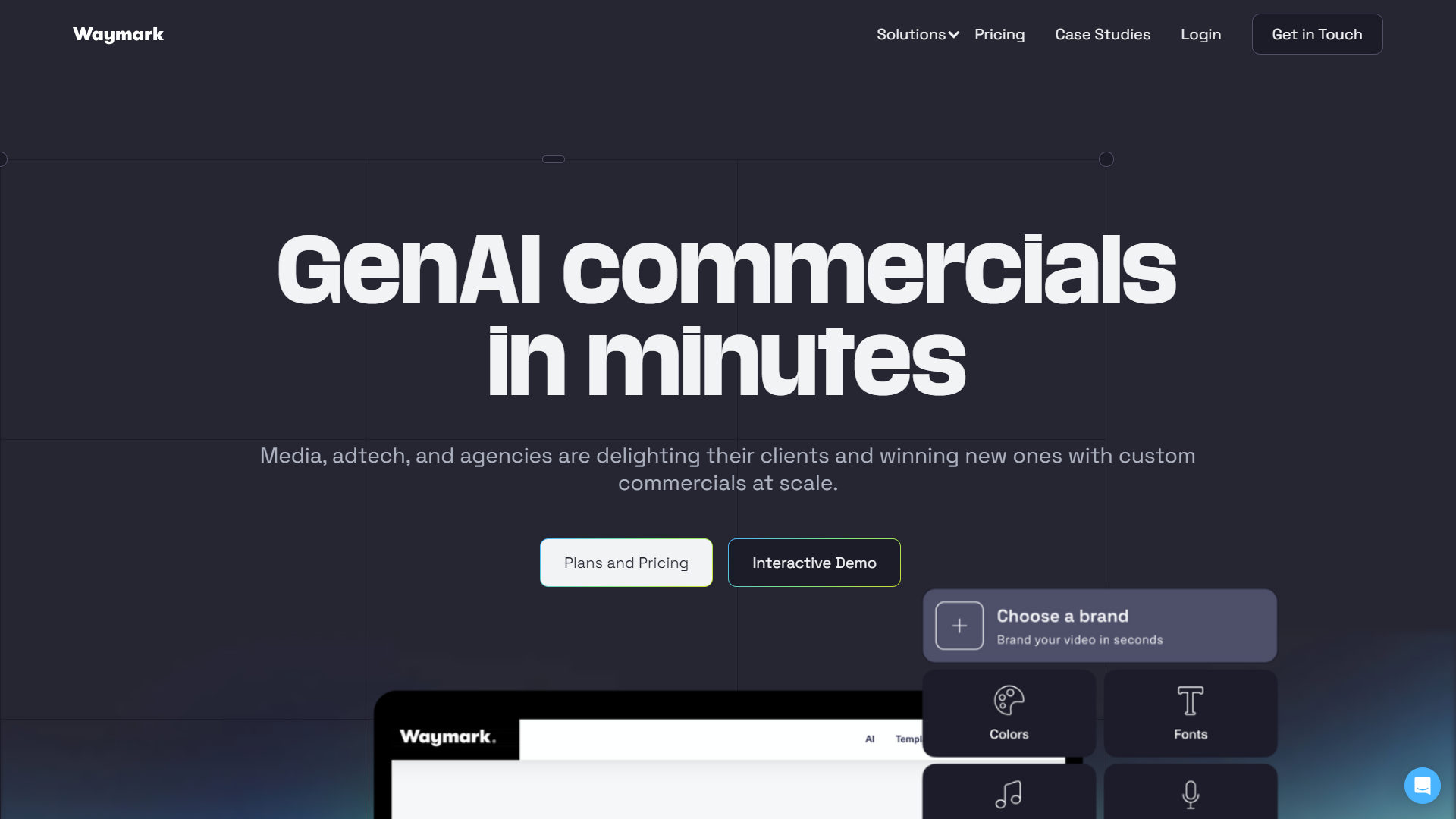
Waymark is a user-friendly platform that allows anyone to create high-quality videos without needing advanced skills. With its simple interface, you can select from a variety of templates and customize them to fit your needs. Ideal for businesses, educators, and content creators, Waymark streamlines the video-making process, saving you time and effort.
The platform offers a range of features to help you enhance your videos, including text overlays, stock images, and music options. It is designed for users who may not have extensive video editing experience but still want professional-looking results. Whether you’re promoting a product, sharing a message, or creating educational content, Waymark has the tools to get you started.
By focusing on simplicity and efficiency, Waymark makes video creation accessible to everyone. You can complete your video quickly and share it across various platforms, enhancing your online presence with minimal hassle. It’s a great solution for marketing campaigns, social media posts, and more.
Pros
- Easy to Use
- Time-Saving
- High-Quality Output
- Cost-Effective
- Flexible Formats
Cons
- Limited Customization
- Subscription Costs
- Internet Dependency
- Export Limitations
- Learning Curve
Clone Waymark with AI
Create your own version of Waymark — no coding needed. AI builds it for you in minutes.
Key features
User-Friendly Interface
Waymark offers a simple design that anyone can navigate, making video creation easy and enjoyable.
Template Variety
Choose from a wide range of customizable templates suited for different purposes, such as marketing, education, or personal use.
Text Overlays
Add engaging text to your videos to emphasize key messages and improve viewer understanding.
Stock Media Library
Gain access to a library of stock images and music to enhance your videos without extra costs.
Fast Video Creation
Produce high-quality videos in a fraction of the time it would take with traditional editing software.
Social Media Integration
Easily share your finished videos on multiple social media platforms directly from the site.
Analytics Tools
Track the performance of your videos with built-in analytics to see how they are engaging your audience.
Customer Support
Waymark provides helpful support, including tutorials and assistance for any issues you may encounter.
Rating Distribution
Pricing
| Plan | Price | Description |
|---|---|---|
| Pro | $150.00 (1 user Per Month) | For small businesses. Take your marketing to the next level with Waymark's AI-generated video ads for social media, web, and TV. |
| Team | Contact Us (Per Year) | Our most popular plan. Great for the media industry, agencies, and anyone who needs to unlock instant AI ads for TV, social and web across multiple brands. |
| Enterprise | Contact Us (Per Year) | The most powerful version of Waymark's AI. Best for large organizations and integrations. |
| Plugin | Contact Us (Per Year) | Full integration into your own platform. |
Screenshots
User Reviews
View all reviews on G2A trusted and valuable resource
What do you like best about Waymark?
Ease of use and the variety of templates. Plus they are constantly generating new templates and editing options.
What do you dislike about Waymark?
Here's my list - the length of list doesn't indicate unhappiness, just things that I wish could be adjusted
1) I...
Waymark Review - Julia Schwake KOCO 5
What do you like best about Waymark?
I love that I can make commercial specs for prospects so they can see what a potential commerical could look like for their business! I also love the ability to work with templates so I can choose what kind of design and flow of the creativce works best woth the ...
Waymark is fantastic and a game changer in the world of marketing.
What do you like best about Waymark?
I like the ease of using all of the features that Waymark has to offer. The way you are able to send your product to potential clients is awesome. Every sale I have gotten since starting my job has had a Waymark video. I use Waymark almost every time on every pro...
Fab for templates, but need more customisation!
What do you like best about Waymark?
Waymark is a game-changer for creating professional videos quickly and easily, allowing me to generate high-quality content with just a few prompts. I love how simple it is to use, and the final product always looks polished. Highly recommend it for anyone needin...
I have been impressed with the simplicity of this AI experince
What do you like best about Waymark?
Being able to show a client a commercial in seconds is great. They are always surprise how fast it can happen and how you can get an immediate concept to build from.
What do you dislike about Waymark?
The robotic AI voices have to be explained to clients. If y...
Company Information
Alternative Ai Video Generators tools
Explore other ai video generators tools similar to Waymark






FAQ
Here are some frequently asked questions about Waymark.
What is Waymark?
Waymark is an online platform that helps users create videos easily using templates and stock media.
Do I need video editing experience to use Waymark?
No, Waymark is designed for beginners and offers a simple interface for easy video creation.
Can I share my videos on social media?
Yes, Waymark allows you to share your videos on various social media platforms directly from the site.
Are there any subscription fees?
Yes, Waymark charges monthly fees, but it provides various plans to cater to different needs.
Does Waymark provide customer support?
Yes, Waymark offers customer support, including tutorials and FAQs to help users.
Is there a library of stock images and music?
Yes, Waymark has a library where you can find stock images and music to use in your videos.
Can I use Waymark for business promotions?
Absolutely, Waymark is an excellent tool for creating promotional videos for businesses.
What types of videos can I create with Waymark?
You can create marketing videos, educational content, social media posts, and more with Waymark.